
Google Scholar: Your Friendly Guide to Smarter Research
Introduction
If you’ve ever tried to find reliable academic articles, you know how overwhelming it can feel. Google Scholar is a free, powerful tool designed to simplify the process. Whether you’re a student, researcher, or just curious, Google Scholar helps you find scholarly articles, track citations, and access PDFs with ease. This guide will show you how to get started, make the most of its features, and streamline your research workflow.
How to Begin with Google Scholar
Getting started with Google Scholar is easier than you might think. You don’t need a special account to browse papers, but creating one lets you save articles and track your citations.
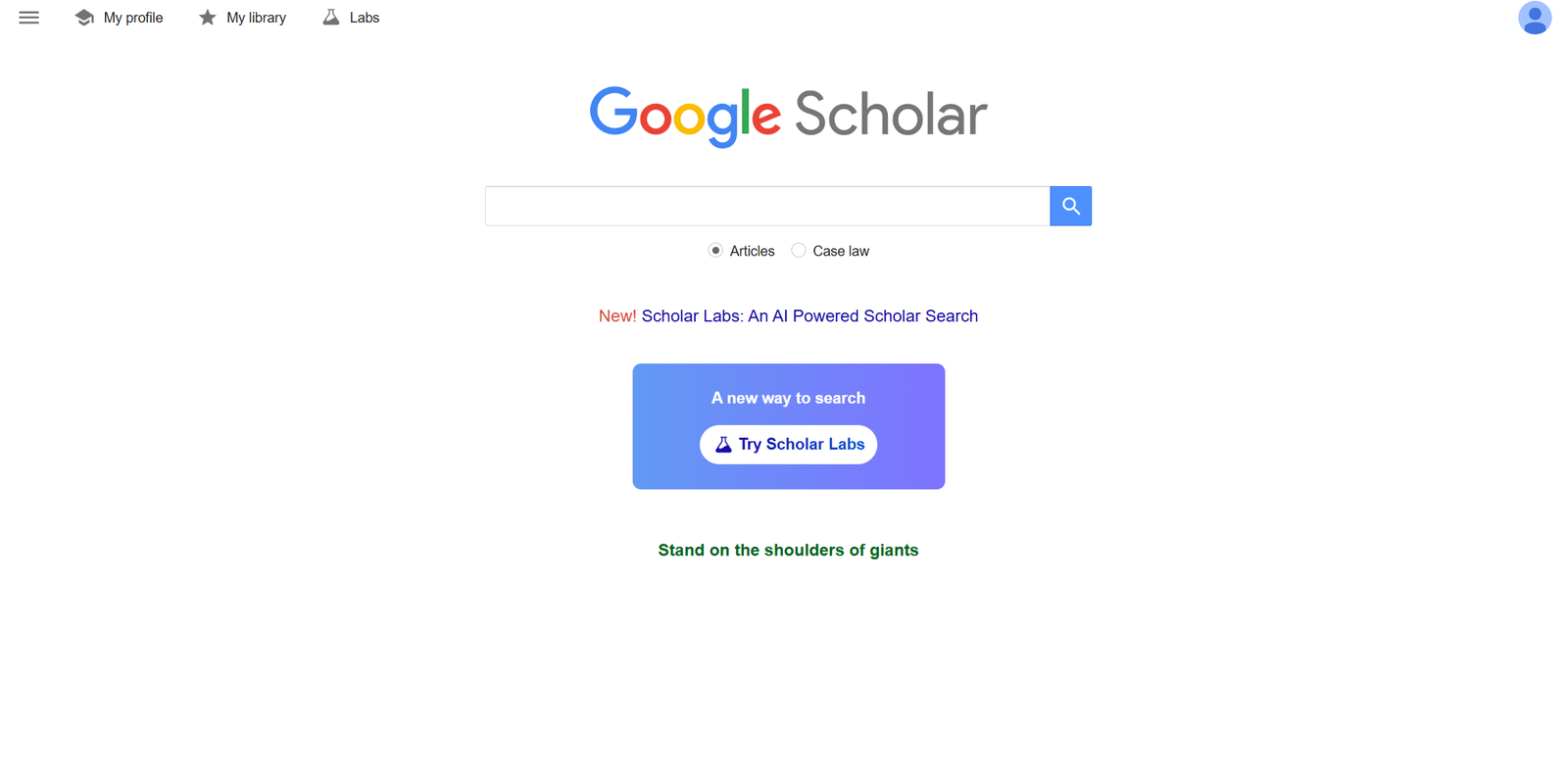
Step 1: Visit the official Google Scholar page at https://scholar.google.com/.
Step 2: If you want a personalized experience, sign in with your Google account. This will allow you to save articles, set up alerts for new research, and manage your citations.
Step 3: Start exploring. Simply type keywords, author names, or paper titles into the search bar. Google Scholar will show you relevant papers, books, and patents.
Step-by-Step Instructions for Research
-
Search Smart: Use specific keywords or Boolean operators like AND, OR, and quotation marks to narrow your results.
-
Access PDFs: Many articles have a PDF link on the right side of the results page. Click it to view or download the paper.
-
Check Citations: Click “Cited by” to see other papers that reference the article, giving you a sense of its influence.
-
Save and Organize: Use the star icon to save papers to your library for easy access later.
-
Create Alerts: Click “Create alert” for keywords or authors to receive notifications about new research.
Available Services in Google Scholar
Google Scholar isn’t just a search engine. It offers several tools to make research easier:
-
Scholar Profiles: Track your own publications and see how often they’re cited.
-
Metrics: View the h-index and other metrics to understand a paper’s or author’s impact.
-
Library Links: Connect your university or institution to access subscription-based articles seamlessly.
-
Scholar PDF Reader: A Chrome extension that allows quick access to references directly in PDFs.
What You Can Do
With Google Scholar, you can:
-
Discover research papers across disciplines.
-
Keep track of who’s citing your work.
-
Export citations directly into reference management tools like EndNote, Zotero, or BibTeX.
-
Save time by accessing PDFs instantly with tools like Scholar Labs and Scholar PDF Reader.
Tips & Quick Answers
-
Registration: You don’t need one to browse, but a Google account enhances your experience.
-
Resetting a Password: Reset your Google account password at https://accounts.google.com/ if needed.
-
Downloading Papers: Click the [PDF] link on the right or use connected library services.
-
Checking Your Status: Track saved articles and alerts from your Scholar library.
Extra Notes
Google Scholar is built on the principle of “standing on the shoulders of giants,” giving you access to decades of research with ease. While not every paper is freely available, linking your institutional library or using open-access tools can help you retrieve more content. Scholar Labs and the PDF Reader make it even easier to extract and organize references directly from documents.
Conclusion
Google Scholar is a versatile, user-friendly platform for anyone diving into research. From finding articles to tracking citations and managing your library, it’s a central hub for academic discovery. By following this guide, you can make your research process faster, smarter, and more enjoyable.
Go to our Homepage To Get Relevant Information.
Contents