
Tia Login: A Friendly Guide to Getting Started and Making the Most of Your Student Portal
Introduction
If you’re a student at the Tanzania Institute of Accountancy, chances are you’ll use the online portal almost every day. This guide walks you through Tia Login, why it matters, and how to use it confidently—whether you’re signing in, registering as a new student, checking your academic records, or managing your semester details. By the end, you’ll know exactly where to go and what to do.
How to Begin with Tia Login
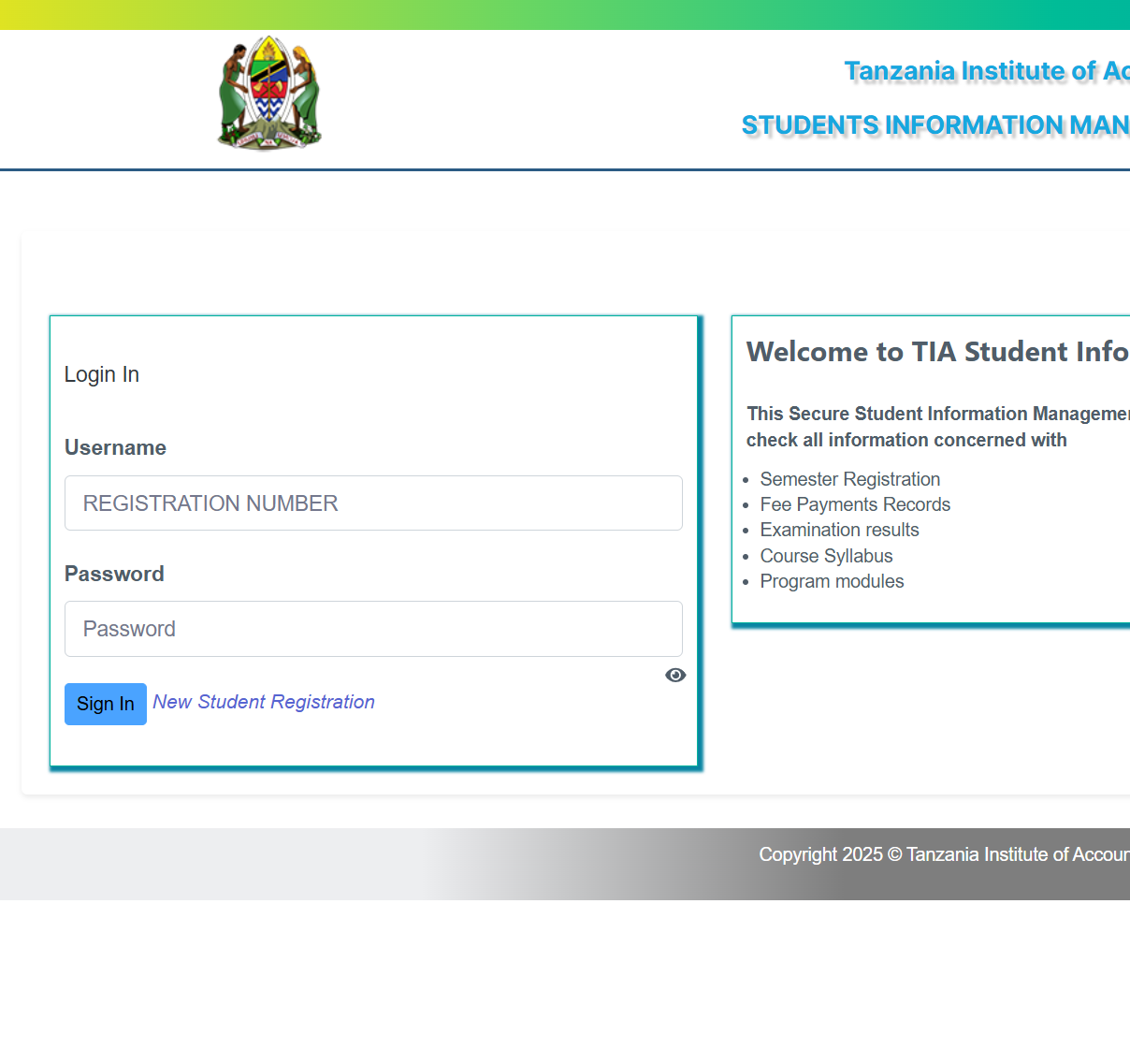
The TIA Student Information Management System is designed to make your academic life easier. From fee payment records to examination results, everything you need sits behind a simple login page. Before you start, make sure you have your registration number or the credentials you used during your online application.
Step-by-Step Instructions for Tia Login
Step 1: Visit the Official Login Page
Head over to the official portal at:
https://sims.tia.ac.tz/login
You’ll see fields for your Username (Registration Number) and Password.
Step 2: Enter Your Details
Type in your correct credentials. Ensure that your registration number and password have no spaces and that you’re entering the most recent password you set.
Step 3: Click “Login In”
Once your details are in place, select the login button to access your dashboard.
What You Can Do After Tia Login
Once you’re inside your dashboard, you can view and manage essential academic information, including:
Semester Registration
You can confirm your semester registration status or complete the process if it’s still pending.
Fee Payment Records
Check your payment history and confirm whether all required fees have been processed.
Examination Results
Access your grades as soon as they’re released.
Course Syllabus
Review the syllabus for your enrolled courses to stay on track with your coursework.
Program Modules
Get a clear overview of all modules within your program.
New Student Registration Through Tia Login
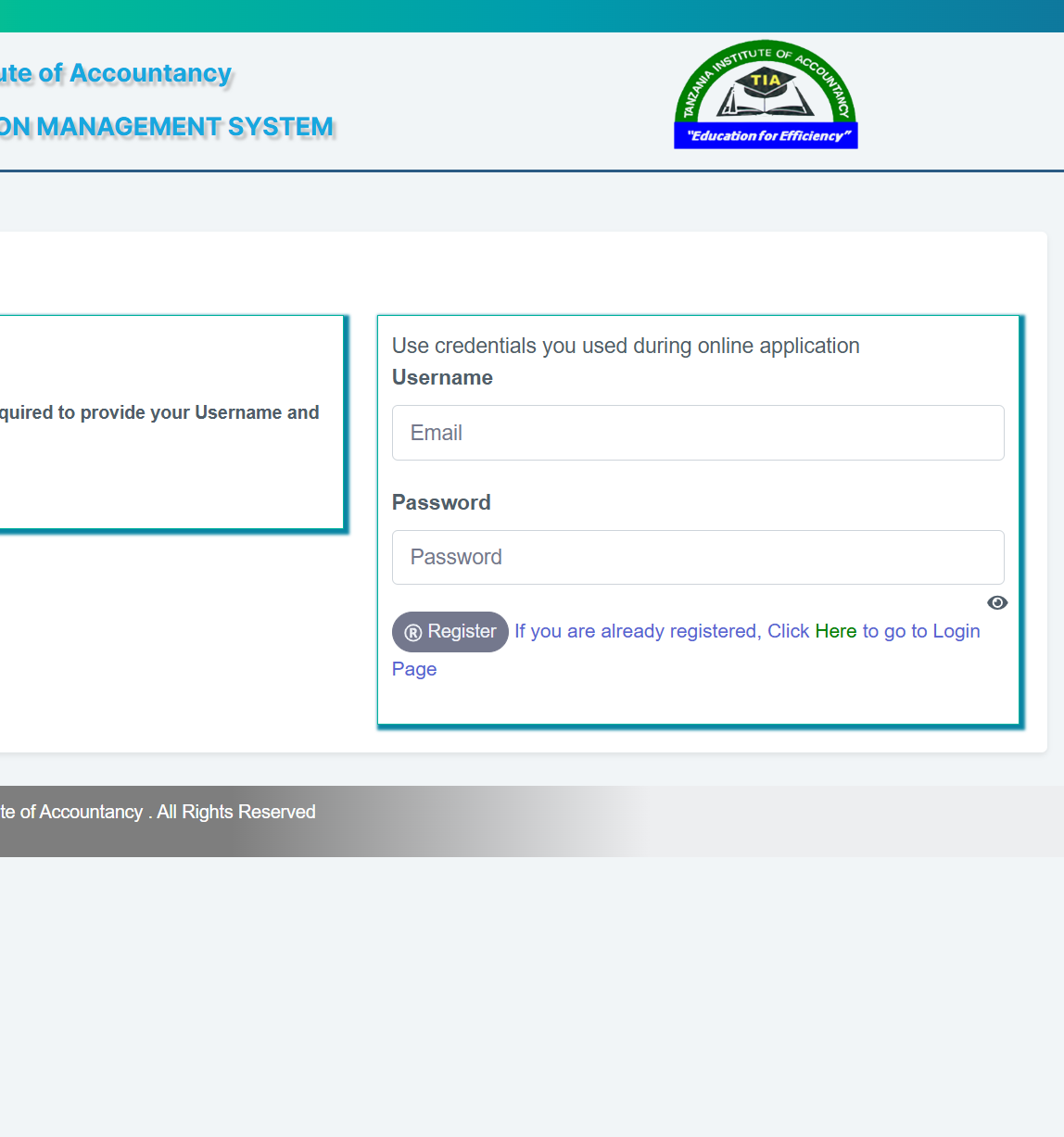
If you’re joining TIA for the first time, the system also offers an online registration portal.
How to Register as a New Student
-
Go to the official New Student Registration page.
-
Use the Username and Password you created during your online application.
-
Provide the required personal and academic details.
-
Follow the steps to complete your registration before the deadline.
Registration Deadline: 2025-12-12
If you’ve already registered, you’ll see a link that directs you to the main login page.
Resetting a Password
If you can’t log in, the most common issue is an incorrect password. Here’s what to do:
-
Check whether your Caps Lock is on.
-
Try recalling if you changed your password recently.
-
If the portal provides a password-reset option, follow the email verification steps to create a new one.
Extra Notes
The Student Information Management System is a secure platform built to protect your personal records and academic data. Everything displayed in your dashboard results, payments, modules, and registration details—is linked to your official student profile at TIA.
Conclusion
Using Tia Login makes it far easier to keep track of your studies, access important documents, and manage your academic journey at TIA. With the steps and explanations above, you’ll be able to sign in, register, and explore your portal with confidence.
Go to our Homepage To Get Relevant Information.
Contents
- 1 Tia Login: A Friendly Guide to Getting Started and Making the Most of Your Student Portal