
Udom Tp: A Friendly Guide to Getting Started and Making the Most of the Platform
Introduction
If you’re new to Udom Tp, you might be wondering what it is, why it matters, and how to use it without running into confusion. In simple terms, Udom Tp is the online system used for managing practical training activities at the University of Dodoma. Students use it to register for field placement, access their training details, submit reports, and stay updated throughout the training period.
This guide walks you through everything in a clear and approachable way from logging in, to navigating essential features, to fixing common issues. Whether you’re just starting out or need help with a specific task, you’ll find straightforward instructions you can follow right away.
How to Begin With Udom Tp
Before anything else, make sure you have your login details ready. These usually include your registration number and the password provided or created by you. Once you have that, you’re set to move forward.
Step-by-Step Instructions for Using Udom Tp
Step 1: Visit the Official Login Page
Go directly to the system through the official link:
https://ipt.udom.ac.tz/login
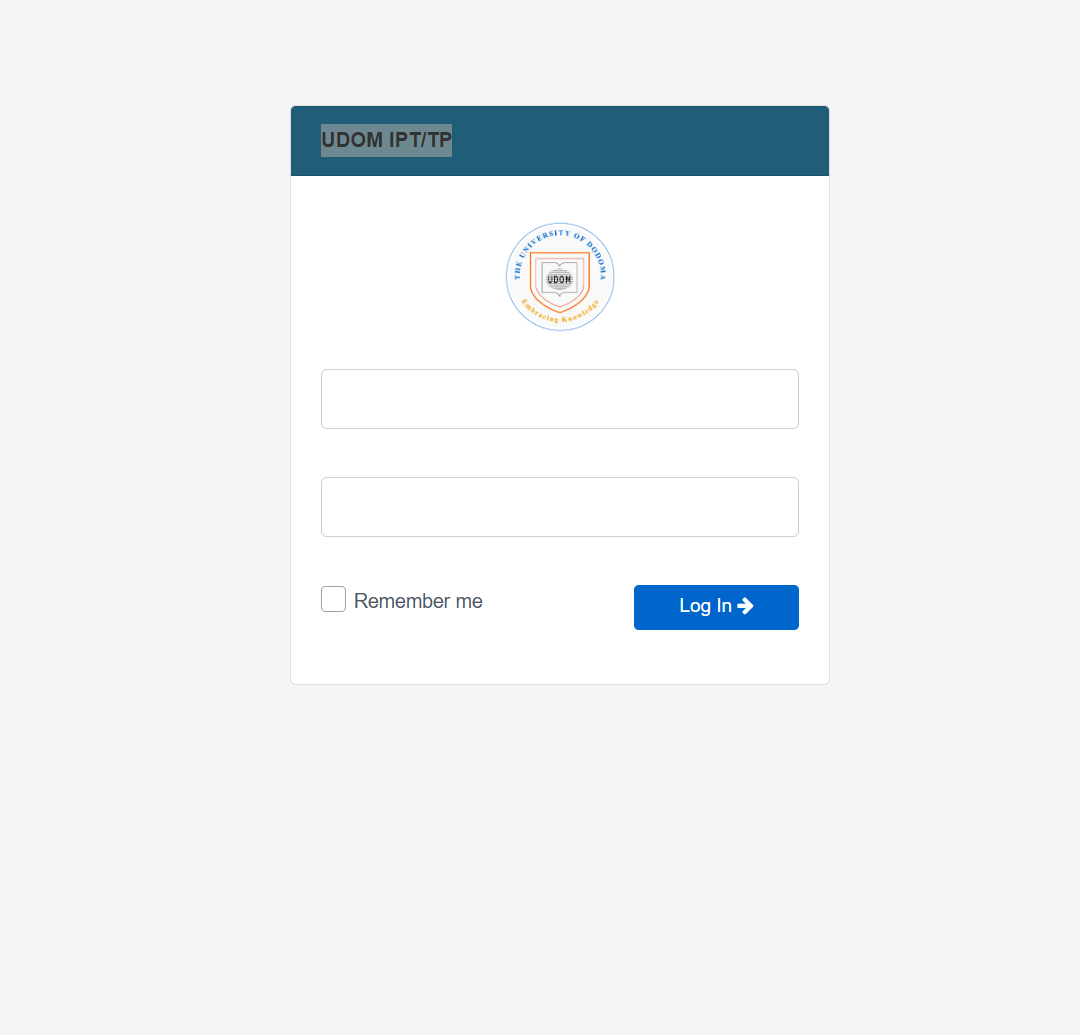
You’ll see the UDOM IPT/TP login page, where you can enter your credentials.
Step 2: Enter Your Details
Fill in your username and password in the provided fields.
If you want the system to remember your login on the device you’re using, you can choose the “Remember me” option.
Step 3: Access Your Dashboard
After logging in successfully, you’ll land on your dashboard. This is where you’ll find all key actions related to your practical training registration, placement information, reports, and notifications.
Udom Tp Available Services
Here are some of the core features you’ll see once inside the platform:
Practical Training Registration
Register for your field or industrial training directly through the portal. The system helps ensure your details go to the correct department.
Placement Information
Once assigned, you can view your placement location, supervisor details, and reporting instructions.
Report Submission
Upload your training reports as required. The platform keeps everything in one place so nothing gets misplaced.
Progress Monitoring
Check updates, supervisor feedback, and important notices throughout your training period.
What You Can Do in Udom Tp
Register for Training
Follow the steps under your dashboard menu to begin the official registration process.
Download or Upload Documents
Many forms or templates needed for training can be downloaded. You can also upload reports or requested files easily.
Track Your Status
From approval progress to placement confirmation, the system keeps you informed at each stage.
Tips & Quick Answers for Udom Tp
If You Can’t Log In
Double-check your registration number and password. If the issue continues, reset your password or ask your department for help.
If Your Placement Isn’t Showing
Sometimes assignments take time to appear. Make sure your registration was submitted correctly. Refresh and check back later if needed.
If You Forgot Your Password
Use the password reset option on the login page. You’ll get instructions to create a new one.
Registration and Getting Set Up
When starting your training journey, make sure your registration information is accurate. Incorrect details can delay placement. Review every field carefully before submitting.
Resetting a Password in Udom Tp
If you ever lose access to your account:
-
Open the login page.
-
Select the password reset option.
-
Follow the prompts to create a secure new password.
This process restores access quickly without needing additional support in most cases.
Checking Your Status
Your status page lets you see whether your registration has been accepted, whether your placement is assigned, and whether there are pending actions you need to complete. It’s a good idea to check this regularly.
Extra Notes
Udom Tp serves as a centralized, simplified system for managing all aspects of field and industrial training at the University of Dodoma. It replaces manual processes with an accessible digital platform, reducing confusion and helping students stay organized from start to finish.
Conclusion
Getting comfortable with Udom Tp doesn’t take long once you know where everything is and how the steps work. With the official login link, simple instructions, and a clear understanding of the available services, you can navigate your training requirements smoothly. Keep this guide handy, and you’ll always know what to do next.
Go to our Homepage To Get Relevant Information.
Contents
- 1 Udom Tp: A Friendly Guide to Getting Started and Making the Most of the Platform
- 1.1 Introduction
- 1.2 How to Begin With Udom Tp
- 1.3 Step-by-Step Instructions for Using Udom Tp
- 1.4 Udom Tp Available Services
- 1.5 What You Can Do in Udom Tp
- 1.6 Tips & Quick Answers for Udom Tp
- 1.7 Registration and Getting Set Up
- 1.8 Resetting a Password in Udom Tp
- 1.9 Checking Your Status
- 1.10 Extra Notes
- 1.11 Conclusion