
Aris 3 UDSM: A Friendly Guide to Getting Started and Using the Platform Smoothly
Introduction
If you’re a student at the University of Dar es Salaam, Aris 3 UDSM is one of the platforms you’ll interact with often. It’s the university’s academic management system, designed to help you access essential services—everything from registration to course details, fee statements, and profile updates.
This guide walks you through how to begin, how to log in, how to create an account, and what to do if you forget your password. You’ll also find simple explanations of the platform’s services, plus helpful tips that make navigating Aris 3 UDSM much easier.
How to Begin With Aris 3 UDSM
Before you can use the system, you’ll either log in with your existing credentials or create a new student account. The layout is straightforward, but the steps below ensure you won’t miss anything.
Step-by-Step Instructions for Aris 3 UDSM
Step 1: Visit the Official Login Page
Go to the official portal:
https://aris3.udsm.ac.tz/index.php?r=student%2Fuser%2Flogin
This page is where you’ll log in, recover your password, or create a new student profile.
Step 2: Log In With Your Credentials
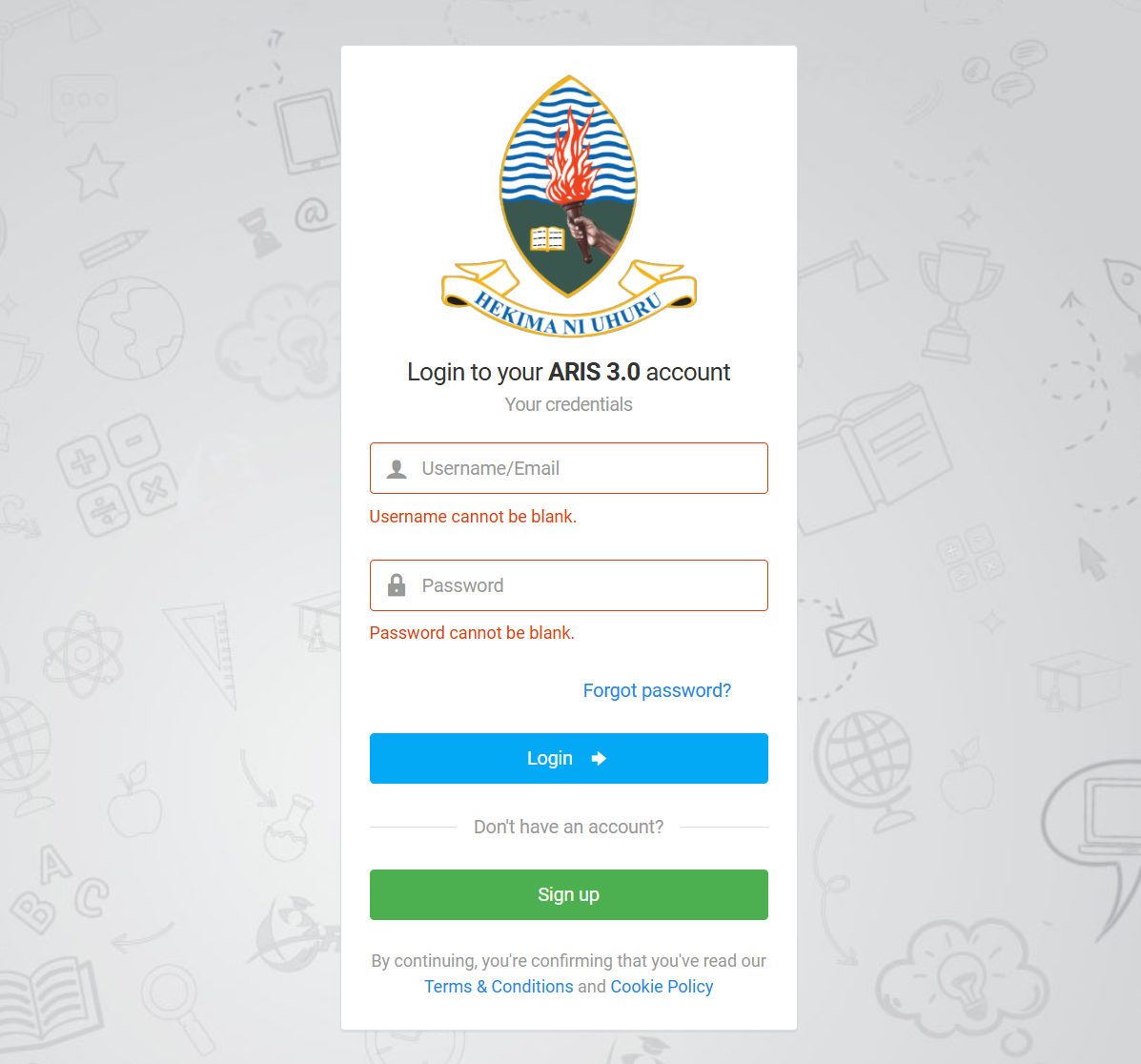
Once the page loads, enter your Username/Email and Password.
If any field is blank, the system will prompt you to fill it in before continuing.
Step 3: Create a New Account (If You Don’t Have One)
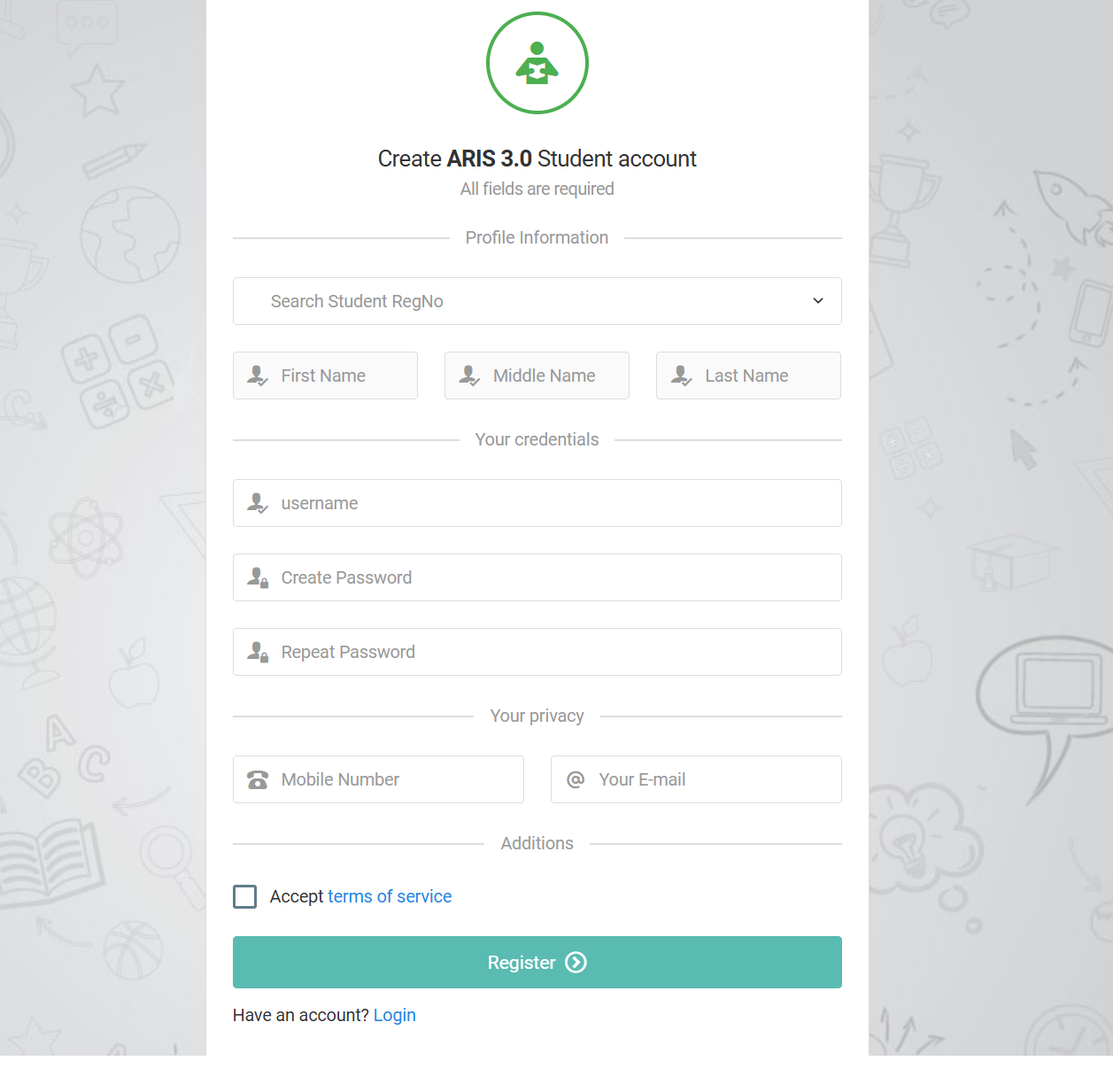
If you’re a new student or haven’t registered yet, select Create ARIS 3.0 Student Account. You’ll be asked to fill in required fields such as:
-
First Name
-
Middle Name
-
Last Name
-
Username
-
Password & Repeat Password
-
Mobile Number
-
Email Address
After entering everything, accept the terms of service and continue. You can return to the login screen anytime by choosing Have an account? Login.
Step 4: Recover Your Password
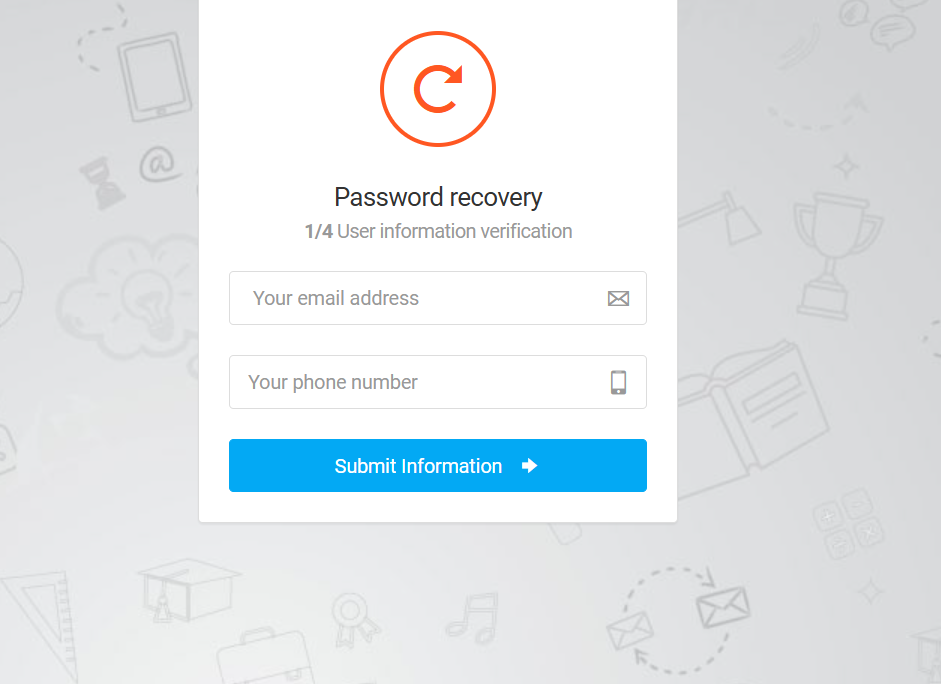
If you click Forgot Password?, Aris 3 UDSM will guide you through a four-step recovery process:
-
Verify your email
-
Confirm your phone number
-
Reset your password
-
Finalize your access and log back in
This process ensures your identity is protected while giving you quick access back into your account.
What You Can Do Inside Aris 3 UDSM
Once logged in, you can access a wide range of academic and administrative services. Here’s a simple breakdown of what’s usually available.
Academic Information
You can view your registered courses, academic results, program details, and course requirements.
Payments and Financial Records
The platform allows you to check your fee statement, generate control numbers, and confirm payments.
Profile and Personal Details
Update your name details, contact information, email, and other personal identifiers whenever needed.
Registration Tools
During registration periods, the system lets you complete course registration and confirm your academic year status.
Notifications and System Messages
Any important alerts from the university appear directly on your dashboard.
Features & Services Explained Simply
Course Management
Review course lists, check status, and confirm what you’ve registered for each semester.
Student Profile Tools
Edit your email, phone number, and password in one place without visiting administrative offices.
Payment Tracking
Instant access to your financial records helps you avoid missed deadlines and registration interruptions.
Helpful Tips & Quick Answers for Aris 3 UDSM
If You Can’t Log In
Double-check your username and password formatting. A single extra character can block access.
If You Don’t Receive a Password Reset Email
Review your email spam folder, then confirm you typed your address correctly in the recovery form.
If You’re Creating an Account for the First Time
Use a secure password and ensure your email and phone number are active—they’re required for verification.
If You’re Unsure About a Field
Most fields are mandatory. If the system stops you, scroll back up to see what needs attention.
Extra Notes
-
ARIS 3.0 is the backend system version name, but students often call it simply Aris 3 UDSM.
-
Your credentials must match the information used during your university enrollment.
-
Terms & Conditions and Cookie Policy links appear during sign-in for transparency and user safety.
Conclusion
Aris 3 UDSM is designed to keep your academic life organised and accessible from one secure place. With the steps and explanations above, you should feel more at ease signing in, creating an account, or managing your student information. Whether you’re checking your results, updating your details, or recovering your password, the platform keeps everything straightforward.
Go to our Homepage To Get Relevant Information.
Contents
- 1 Aris 3 UDSM: A Friendly Guide to Getting Started and Using the Platform Smoothly