
Cosis Cbe: A Simple, Friendly Guide to Getting Started and Managing Your Account
Introduction
If you’re a student or applicant at the College of Business Education (CBE), you’ve likely come across Cosis Cbe, the college’s online system for managing academic and admission-related tasks. It’s designed to help you log in, check your details, update information, and access essential services without needing to visit the office every time.
This guide walks you through how to begin, how to log in, how to recover a password, and what you can do inside the system—written in a clear, supportive way so you can use Cosis Cbe with confidence.
How to Begin With Cosis Cbe
Before anything else, you’ll need access to the online portal. That means having your login details ready and making sure your registration is fully completed.
What You Need
-
A valid username and password
-
A phone number or email registered in your CBE account
-
Proof of registration payment if you’re completing your profile
If you’re not fully registered yet, the admissions office may need to finalize your details. Keep your payment receipts handy when you go.
Step-by-Step Instructions for Using Cosis Cbe
Step 1: Visit the Official Cosis Cbe Portal
Go to the official portal here: https://cosis.cbe.ac.tz/.
This is where all login, recovery, and account management actions begin.
Step 2: Enter Your Login Details
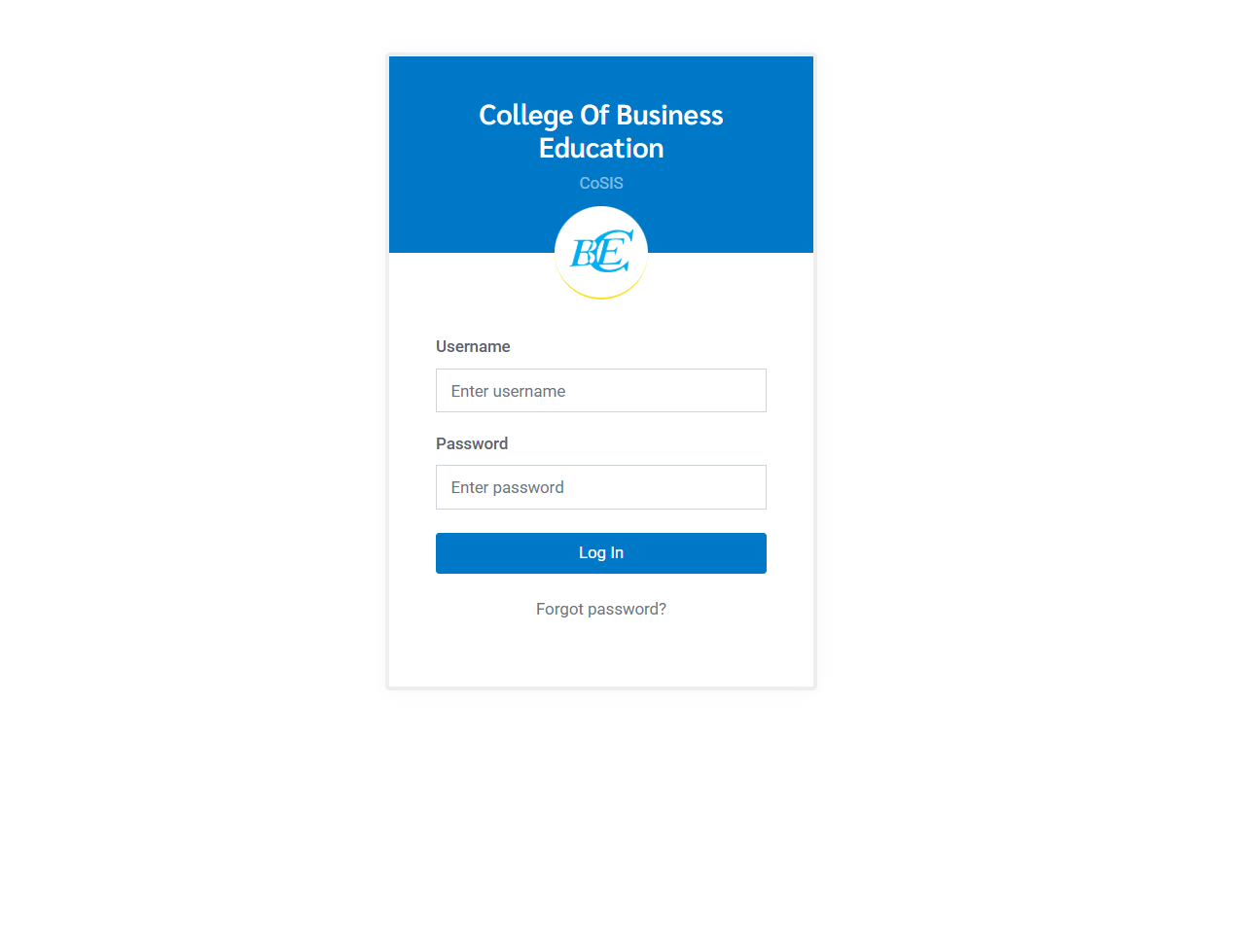
You’ll see fields for:
-
Username
-
Password
Type them in and select Login to access your dashboard.
Step 3: If You Forgot Your Password
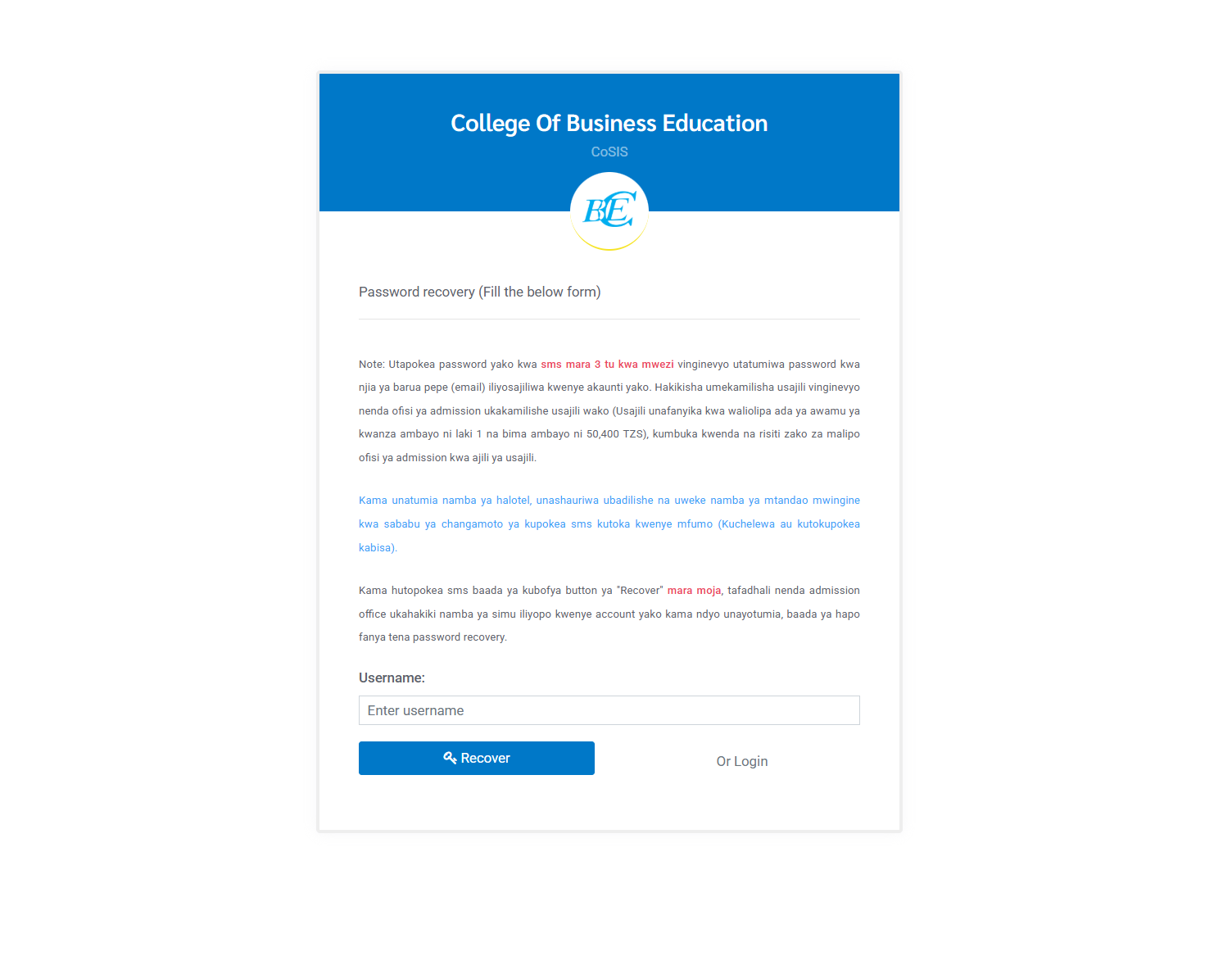
Select Forgot Password? to open the recovery form. This is where you can request a new password using your registered phone number or email.
Using Cosis Cbe Password Recovery
Recovering your password is straightforward, but there are a few important notes that can save you time.
How Password Recovery Works
CBE sends your password by SMS up to three times per month. After that limit, the system will send the password to the email address tied to your account.
Important Reminders
-
Make sure your registration is complete. If it isn’t, visit the admissions office to finalize it.
-
Students who paid their first installment (100,000 TZS) and insurance fee (50,400 TZS) can complete registration.
-
Bring your payment receipts when visiting the admissions office.
Phone Number Tips
If you’re using a Halotel number, consider switching to another network. Some Halotel users experience delays or failure to receive system messages.
If You Don’t Receive the SMS
-
Check whether the number on your account is the one you currently use.
-
If uncertain, go to the admissions office and confirm your details.
-
After confirming, try the password recovery process again.
Available Services Inside Cosis Cbe
Once logged in, you’ll find several helpful tools and features.
Profile Management
Update your contact details, check your personal information, and make sure everything is accurate.
Academic Services
Depending on your status, you may be able to view course details, assessments, and announcements.
Admission Status
Applicants can view updates, required documents, and next steps after logging in.
What You Can Do With Cosis Cbe
Here are some of the most common actions users complete inside the system:
-
Check or update your phone number and email
-
Review academic information
-
Access notifications from CBE
-
Manage your account settings
-
Begin or complete admission-related requirements
Tips & Quick Answers About Cosis Cbe
Why can’t I log in?
You may have an incorrect password, or your registration might not be finalized. Try password recovery or check with admissions.
Why didn’t I receive a password SMS?
The number may not be updated in your account, or your network may have delivery issues. Confirm your number with admissions.
Can I recover my password more than once?
Yes, but SMS recovery is limited to three times per month. Afterwards, password resets go to your registered email.
Extra Notes on Cosis Cbe
-
The system requires accurate personal details; outdated phone numbers cause most login issues.
-
Registration must be completed physically for students who haven’t finalized their details.
-
Keep your payment receipts organized—they’re needed for verification at admissions.
Conclusion
Cosis Cbe makes it easier to manage your academic or admission-related tasks at the College of Business Education. With the right login details and updated contact information, you can navigate the portal smoothly, reset passwords when needed, and stay connected with important updates.
If you follow the steps outlined above, you’ll have a much easier time getting the most out of your Cosis Cbe portal.
Go to our Homepage To Get Relevant Information.
Contents
- 1 Cosis Cbe: A Simple, Friendly Guide to Getting Started and Managing Your Account
- 2 How to Begin With Cosis Cbe
- 3 Step-by-Step Instructions for Using Cosis Cbe
- 4 Using Cosis Cbe Password Recovery
- 5 Available Services Inside Cosis Cbe
- 6 What You Can Do With Cosis Cbe
- 7 Tips & Quick Answers About Cosis Cbe
- 8 Extra Notes on Cosis Cbe
- 9 Conclusion