
TMS Check: A Simple Guide to Checking Traffic Fines and Vehicle Debt Online in Tanzania
Introduction
If you’ve ever misplaced a traffic fine receipt or wanted to be sure your vehicle has no pending offenses before heading out, you’re not alone. The TMS Check system has become a helpful tool for drivers across Tanzania. It allows you to look up traffic fines, confirm payment status, and even verify a vehicle’s history—all without visiting a police station.
This guide walks you through how TMS Check works, the easiest ways to start, and the steps you can follow to stay informed and avoid unnecessary penalties.
How to Begin With TMS Check
Before you get into the steps, it helps to know what the system actually is. TMS Check connects directly with the official Tanzania Police Traffic Management System (TMS). When you perform a search, you’re redirected to the official government portal, which ensures your results are accurate and up to date.
You can use TMS Check to look up fines using a vehicle registration number, a driver’s license number, or a ticket reference number.
Step-by-Step Instructions for Using TMS Check Online
Step 1: Go to the Official Portal
Visit the official TMS website at
https://tms.tpf.go.tz
This is where all traffic fine details are stored and updated.
Step 2: Choose Your Search Method
You can search using one of three options:
-
Registration Number
-
Driving License Number
-
Reference Number
Pick whichever option you have available.
Step 3: Enter Your Details and Click Search
Type the information into the search box, then select Search.
The system will show one of two results:
-
Pending offenses and penalties
-
A “No pending offense found” status if everything is clear
TMS Check Options: What You Can Search For
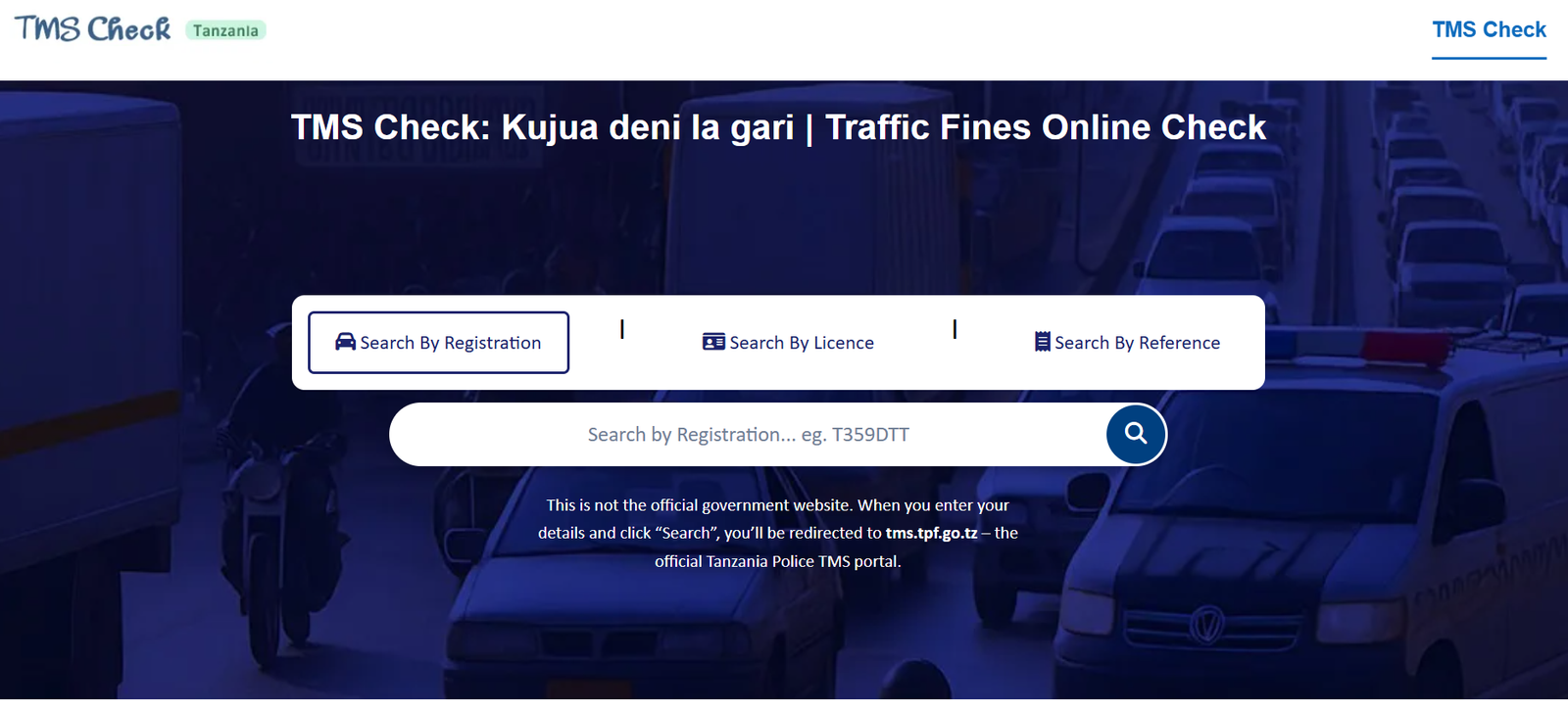
Search by Registration Number
Enter the plate number to see all related traffic violations.
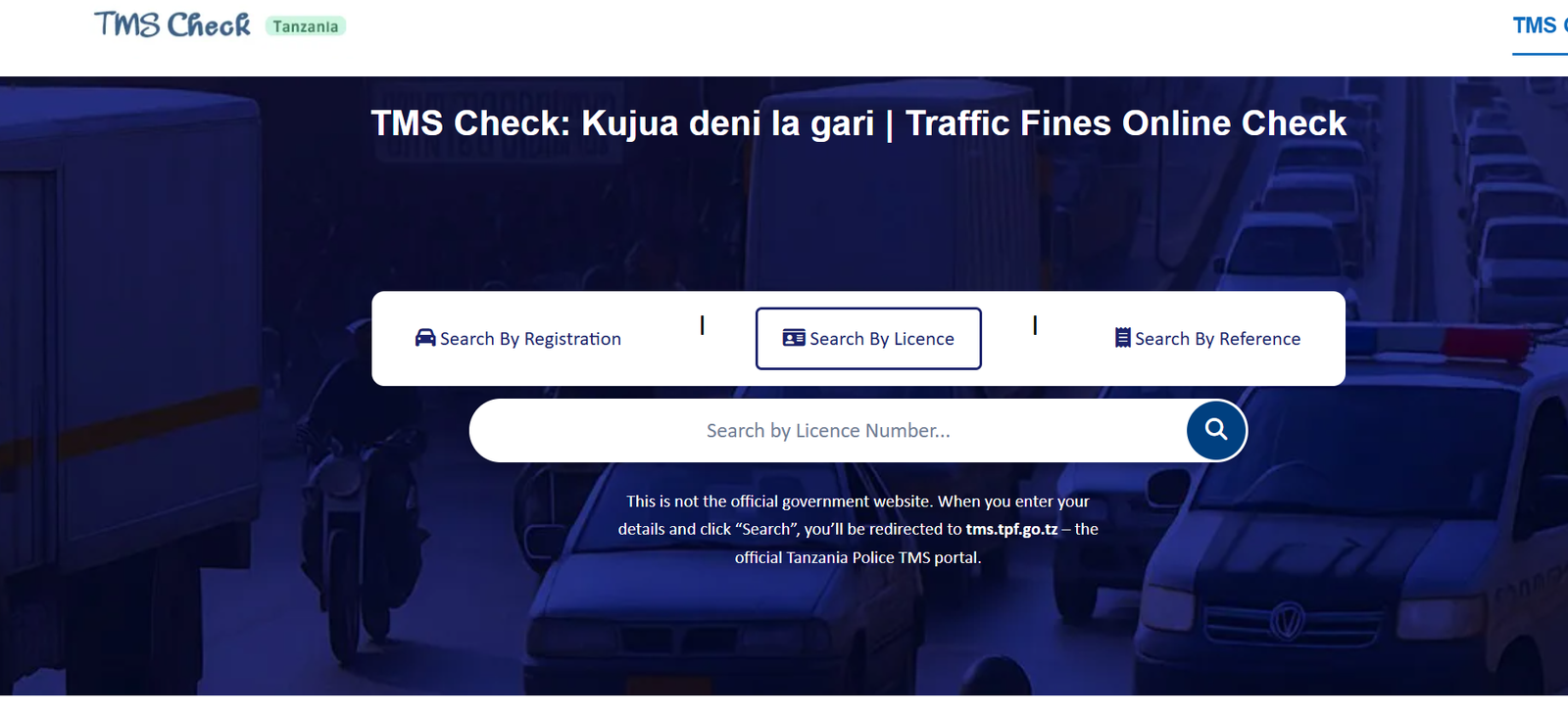
Search by License Number
Useful for drivers who want a full overview of offenses linked to their driving license.
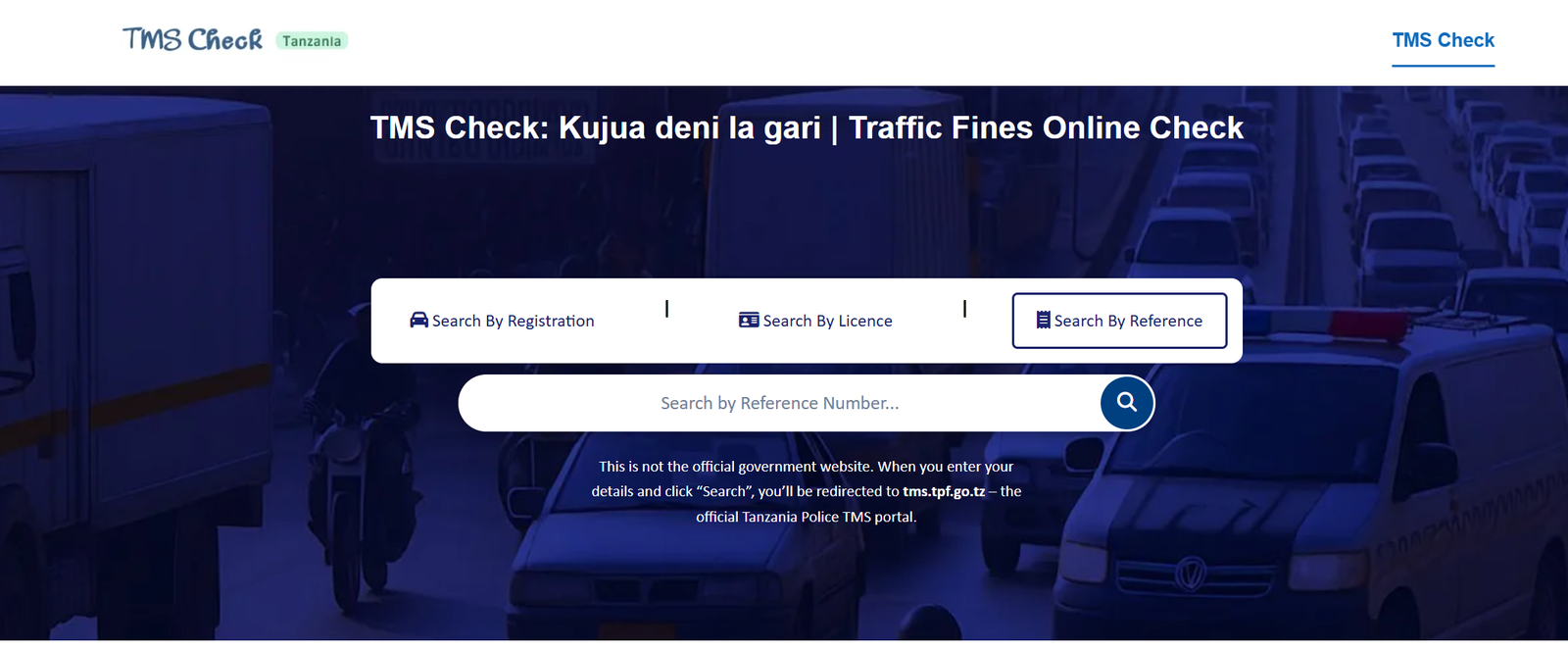
Search by Reference Number
Great when you want to check the payment status of a specific fine.
TMS Check Without Internet (USSD Method)
If you’re in an area with weak internet or using a basic phone, you can still run a TMS Check instantly.
How It Works
Step 1: Dial
*152*75#
Step 2: Enter your vehicle registration number when prompted
Step 3: Receive instant SMS updates showing:
-
Vehicle details
-
Outstanding amount
-
Offense type
-
Reference number
-
Payment instructions
The USSD method is quick, reliable, and works on almost any phone.
How to Use the Official Mobile App for TMS Check
If you prefer using an app, Tanzania’s official LOSS REPORT & TRAFFIC CHECK app supports TMS Check lookups.
Steps to Get Started
-
Open Google Play Store
-
Search for “LOSS REPORT & TRAFFIC CHECK”
-
Install the app
-
Select your preferred language
-
Tap TMS Check on the main menu
-
Select your search method
-
Enter your details and submit
-
View your pending offenses and payment details
This option is helpful if you frequently check fines or prefer a simple mobile interface.
Available Services Inside TMS Check
Fine Lookup
Instantly see all unpaid fines and penalties.
Offense Details
View offense dates, types, and control numbers.
Payment Information
Get everything required to pay fines through mobile money or approved banks.
Vehicle History Check
Helpful for buyers evaluating a used vehicle.
What You Can Do After Using TMS Check
Pay Your Fine Through GePG App
If the system shows a pending fine, you can pay it using the official Government e-Payment Gateway (GePG) mobile app.
Steps to Pay
-
Download GePG from your app store
-
Enter your reference number
-
Choose your mobile money provider
-
Enter your phone number
-
Confirm your PIN
-
Save or download your receipt
Payments are supported through Airtel Money, M-Pesa, Tigo Pesa, and other major platforms.
Pay Through Partnered Banks
If you prefer paying in person, banks such as NBC, NMB, and CRDB accept TMS payments.
Registration, Password Issues, and Control Numbers
No Registration Needed
You do not need an account to perform a TMS Check. The system is open for public use.
Lost Your Control Number?
You can recover it by doing another search on the official portal at https://tms.tpf.go.tz, using either your registration number or license number.
Checking Your Vehicle’s Status Before Buying or Selling
Running a TMS Check is especially important when buying a used vehicle. The search shows:
-
Unpaid fines
-
Offense history
-
Potential red flags involving past incidents
This helps you avoid purchasing a vehicle with hidden liabilities.
Tips & Quick Answers for Using TMS Check
-
Check your fines regularly to avoid penalties.
-
Always double-check plate and reference numbers for accuracy.
-
If payment doesn’t update immediately, wait up to 24 hours.
-
Keep SMS or email receipts for future reference.
-
If the app freezes, clear your cache or reinstall it.
Extra Notes: Background and Purpose of TMS Check
The Traffic Management System was created to make fine checking transparent, simple, and predictable. Instead of waiting in long lines or dealing with paperwork, drivers can now access verified information instantly. This transparency also helps improve road safety and accountability.
Conclusion
TMS Check has become one of the simplest ways for Tanzanian drivers to stay ahead of their traffic obligations. With online tools, mobile apps, USSD access, and secure payment options, managing fines no longer requires a trip to the police station.
Check your vehicle status regularly, settle any pending fines promptly, and keep your driving record clear. If you ever run into issues, TMS support teams and police offices are available to help.
Go to our Homepage To Get Relevant Information.
Contents
- 1 TMS Check: A Simple Guide to Checking Traffic Fines and Vehicle Debt Online in Tanzania
- 2 How to Begin With TMS Check
- 3 Step-by-Step Instructions for Using TMS Check Online
- 4 TMS Check Options: What You Can Search For
- 5 TMS Check Without Internet (USSD Method)
- 6 How to Use the Official Mobile App for TMS Check
- 7 Available Services Inside TMS Check
- 8 What You Can Do After Using TMS Check
- 9 Registration, Password Issues, and Control Numbers
- 10 Checking Your Vehicle’s Status Before Buying or Selling
- 11 Tips & Quick Answers for Using TMS Check
- 12 Extra Notes: Background and Purpose of TMS Check
- 13 Conclusion