
Introduction
If you’ve been thinking about buying a used car from overseas but want a process that’s simple, trustworthy, and budget-friendly, be forward is one of the most well-known platforms for doing exactly that. Many drivers around the world rely on it for quality Japanese used cars, clear pricing, and fast customer support.
This guide walks you through how be forward works, how to start using the platform, and which features can help you make the best decision—whether you’re comparing models, checking shipping progress, or creating an account to earn rewards.
How to Begin with be forward
Getting started doesn’t require much—just a few steps to help you browse confidently and find a vehicle that matches your needs and budget.
What you’ll learn here:
-
How to create an account
-
How to search for cars
-
How to request quotes and place orders
-
How to use helpful tools like points, reviews, and shipment tracking
Step-by-Step Instructions (Simple and Friendly)
Step 1: Visit the Official be forward Website
Go to the official platform:
https://www.beforward.jp/
This is where you can browse cars, compare prices, and access all services safely.
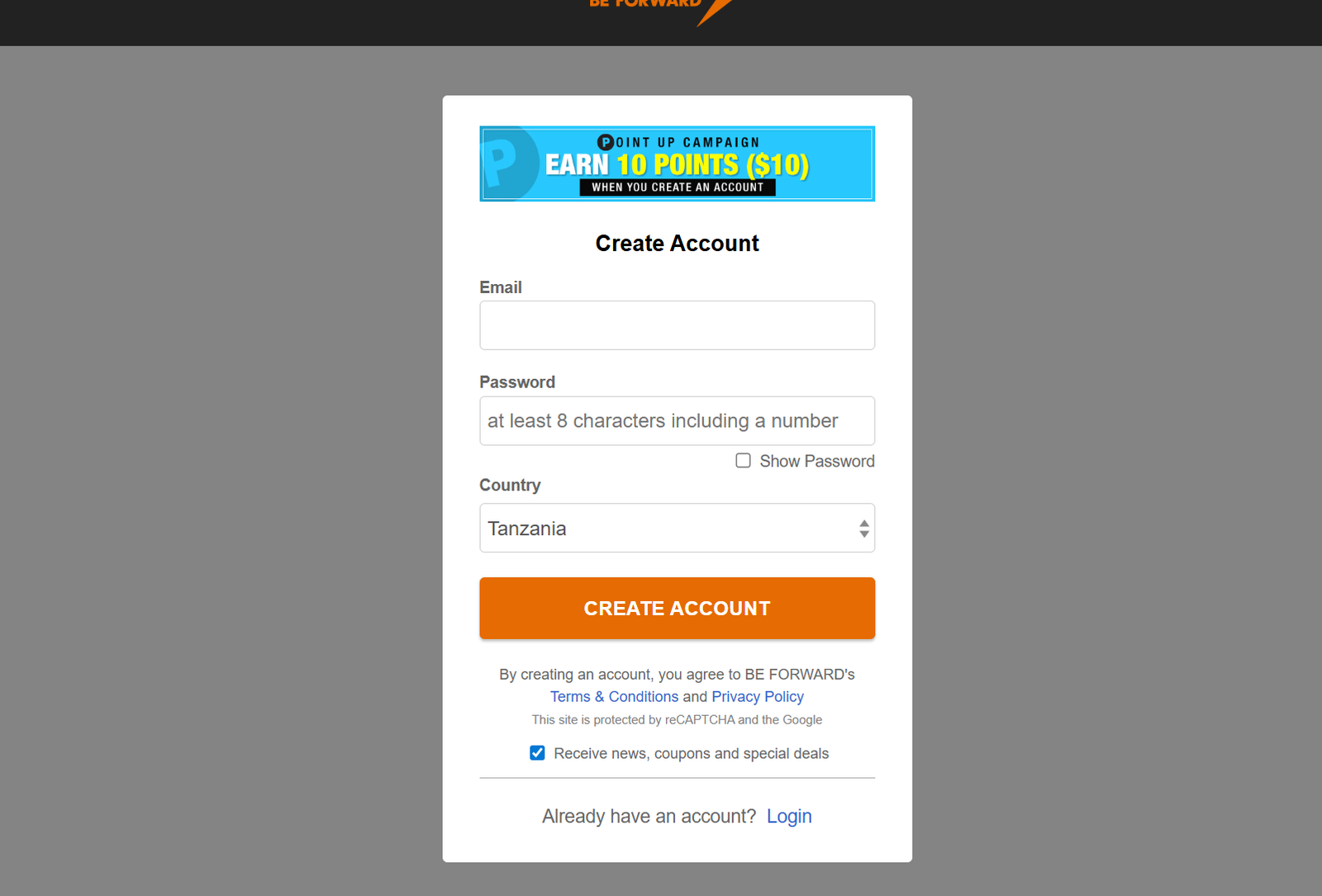
Step 2: Create an Account and Earn BF Points
Creating an account helps you save favorites, track orders, and receive points.
You’ll also earn 10 BF Points when you verify your email.
What you’ll need:
-
Your email
-
A password with at least 8 characters
-
Your country selection
Step 3: Search for a Car
Use the “Search for Used Car” area to filter by:
-
Make and model
-
Price range
-
Vehicle type
-
Country of shipment
-
Discount level
This helps you find exactly what fits your budget.
Step 4: Request a Quote or Click “Buy Now”
Once you find a car you like, you can:
-
Buy Now to reserve immediately
-
Get a Price Quote for confirmed costs, including shipping
Step 5: Complete Your Payment
Accepted methods include:
-
Visa
-
MasterCard
-
American Express
-
PayPal
-
Bank transfer
Payments are secure, and you’ll receive confirmation once completed.
Step 6: Track Your Shipment
After purchase, you can follow your car’s journey using CAP (Car Arrival Progress).
This tool updates shipping and arrival status in real time.
Available Services on be forward
Wide Vehicle Selection
More than 400,000 cars, trucks, vans, SUVs, buses, and machinery are listed.
You can shop by:
-
Make (Toyota, Nissan, Subaru, etc.)
-
Type (SUV, Sedan, Mini Van, Truck)
-
Price bracket
-
Discount level
-
Country where the vehicle is stored
Auto Parts Section
If you already own a vehicle, you’ll find a large collection of spare parts—from engines to mirrors—under “Auto Parts.”
Local Services
be forward also supports buyers in many countries through local offices such as:
-
BF Tanzania
-
BF Zambia
-
BF Malawi
-
BF Zimbabwe
-
BF Mozambique
These centers help with documentation, clearance, and logistics.
BF Points Rewards
Many vehicles listed come with BF Point bonuses. Points can help you save money on your next purchase.
What You Can Do on be forward
Compare Vehicles
Use comparison tools to check price differences, fuel efficiency, engine details, and features.
Read Customer Reviews
Verified buyers leave comments and ratings, giving you insight into real-world experience.
Check Already-Shipped Cars
If you prefer faster delivery, browse cars already shipped to destinations like Tanzania.
Explore News & Car Guides
The platform offers up-to-date reviews, model comparisons, and industry news to support your decision.
Registration, Login & Password Help
How to Register
-
Go to the website.
-
Click “Create Account.”
-
Enter email, password, and country.
-
Confirm your email to activate.
How to Log In
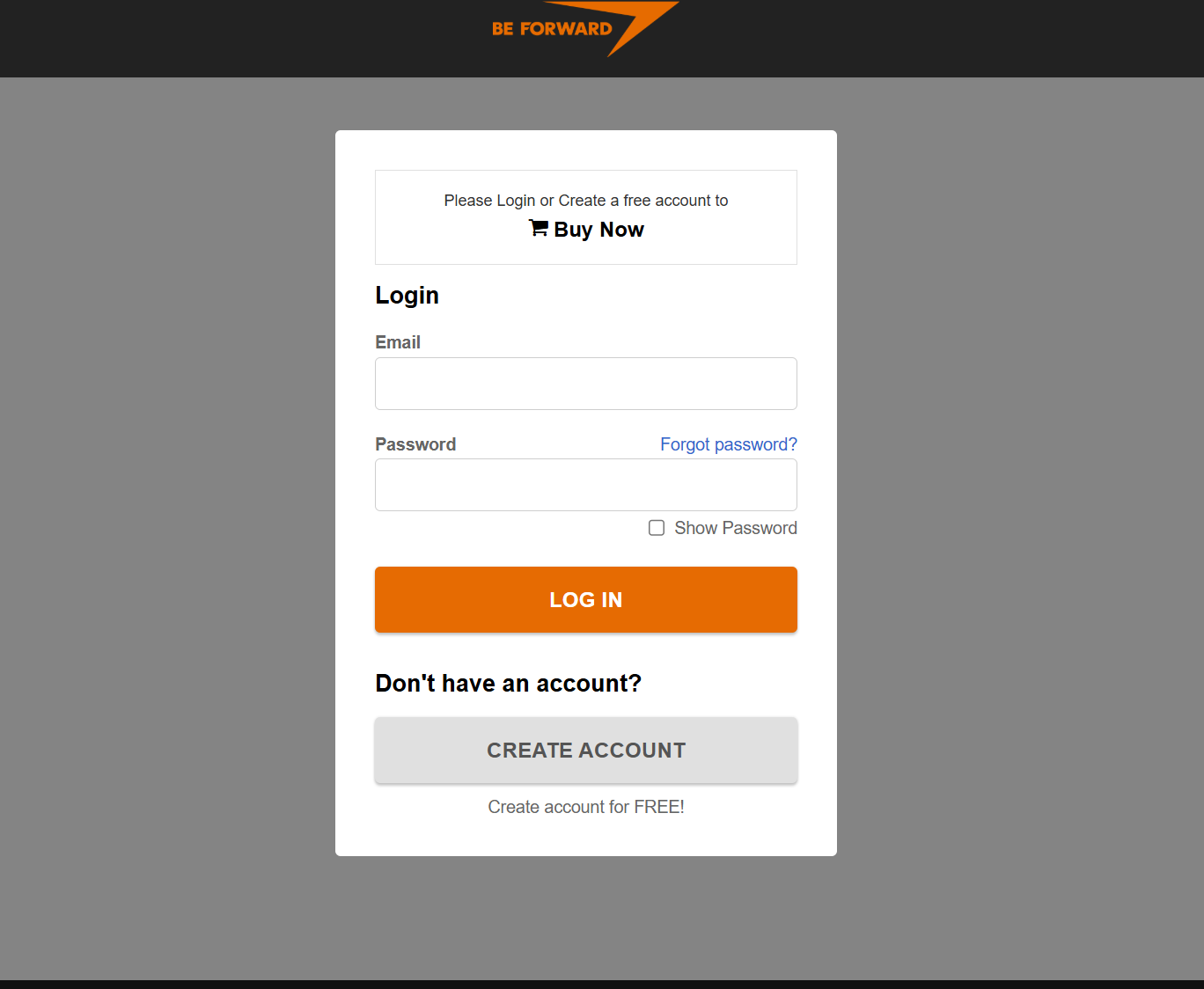
Use your email and password.
If you forget your password, use “Forgot password?” to receive a reset link.
Resetting a Password
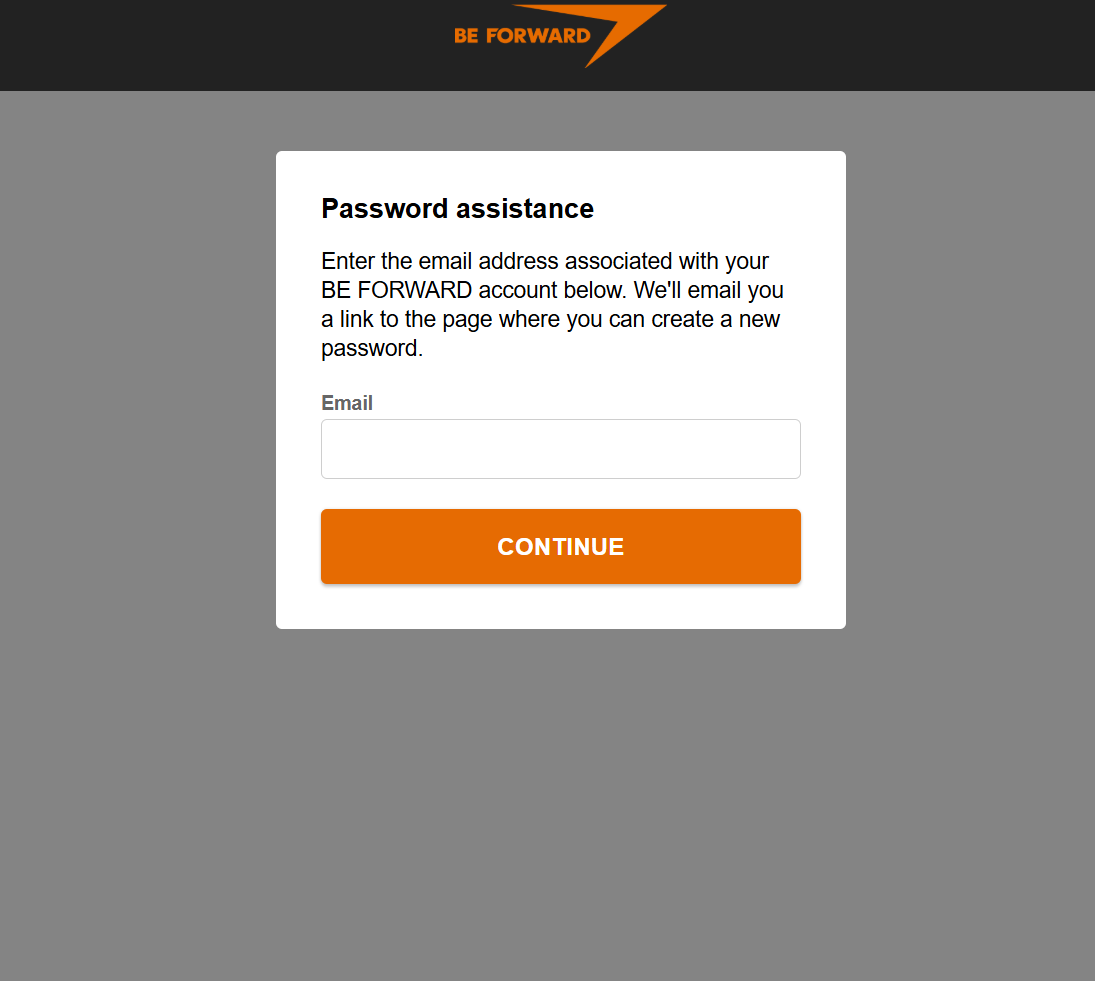
Enter the email tied to your account and follow the link sent to your inbox to create a new password.
Tips & Quick Answers
How to get the best deal
-
Check the “Today Special Offer” and “Clearance” sections.
-
Filter by high-discount categories (up to 70% off).
-
Look for vehicles offering BF Points.
What if you’re new to importing?
The platform provides:
-
Purchase flow guides
-
Shipping schedule details
-
Trusted shipping agents
-
Fast customer support
What can you buy for $1,500 or less?
Use the price filter “Under $1,500” to find compact cars, older models, or heavily discounted options.
Extra Notes
-
be forward includes a professional mechanic who checks vehicles before listing.
-
Cars have multiple detailed photos to help you understand condition clearly.
-
International shipping is handled by experienced logistics partners.
-
The company has built long-standing trust with buyers worldwide.
Conclusion
Shopping for a used car shouldn’t feel complicated, and be forward makes the entire experience clear and approachable—from the moment you search to the day your car arrives. With thousands of vehicles, helpful tools, and dependable customer support, you can buy confidently and stay informed at every step.
Whether you’re looking for something affordable, durable, or luxurious, be forward gives you a simple path to the right choice.
Go to our Homepage To Get Relevant Information.
Contents