
Nest Login: A Friendly Guide to Accessing Tanzania’s National e-Procurement System
Introduction
If you work with public procurement in Tanzania, you’ve likely heard about NeST — the National e-Procurement System of Tanzania. It’s the central digital platform that helps tenderers and procuring entities manage everything from registration to tender submissions. Knowing how to complete a Nest Login smoothly is essential because it’s the first step toward accessing tenders, submitting offers, checking contract awards, and managing your profile.
This guide walks you through what Nest Login means, how to get started, and how to use the most important features inside the system. Whether you’re new or simply need clarity, you’ll find each step explained in a simple, supportive way.
How to Begin with Nest Login
Getting started is straightforward once you know where to look. The platform is designed to help tenderers register, browse tenders, and submit offers without unnecessary complications. Before you log in, make sure you have a valid email address, phone number, and any business documents required for registration.
Step-by-Step Instructions for Nest Login
Step 1: Visit the Official Portal
Go to the official NeST platform by opening:
https://nest.go.tz
This is where all login, registration, and procurement activities take place.
Step 2: Select the Nest Login Option
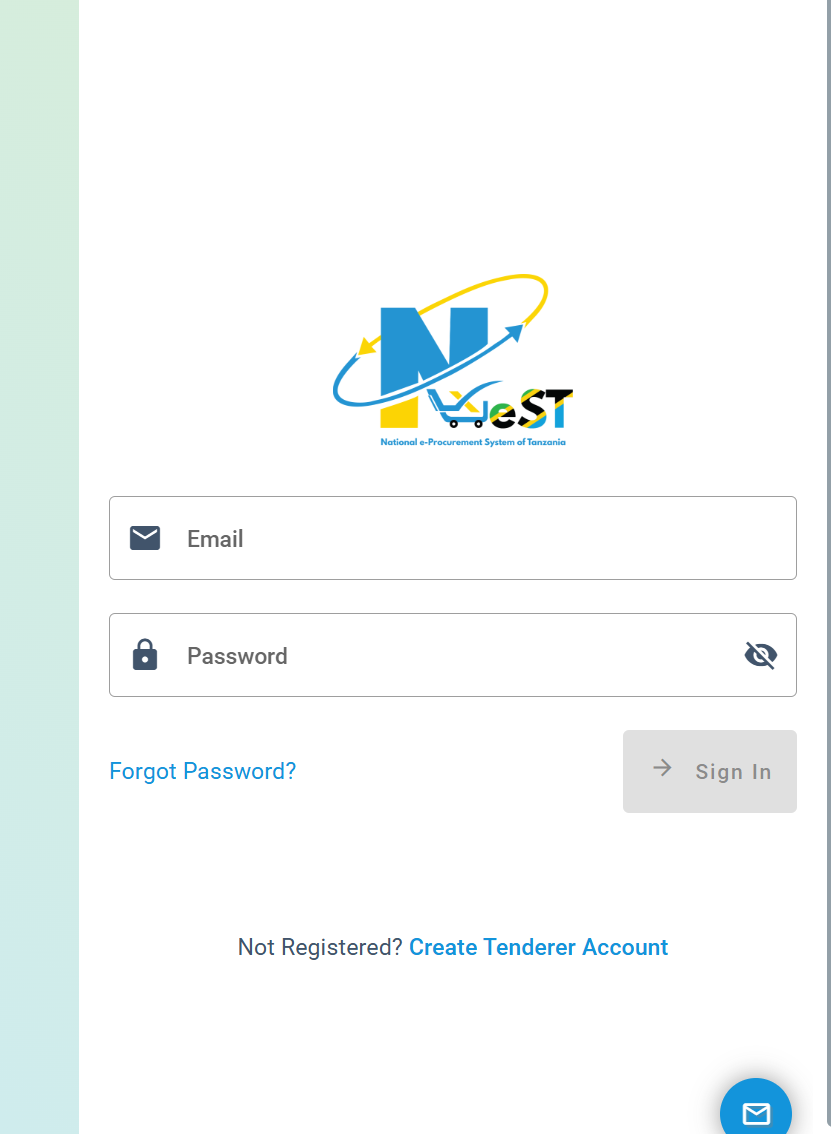
Once the homepage loads, click Login at the top right. This opens the sign-in page where you’ll enter your credentials.
Step 3: Enter Your Credentials
Provide your registered email and password. If everything matches, you’ll be signed in instantly and taken to your dashboard.
If You Forget Your Password
Click Forgot Password? on the login screen. Follow the prompts to reset your password through your email.
Registration Before Nest Login (If You’re a New Tenderer)
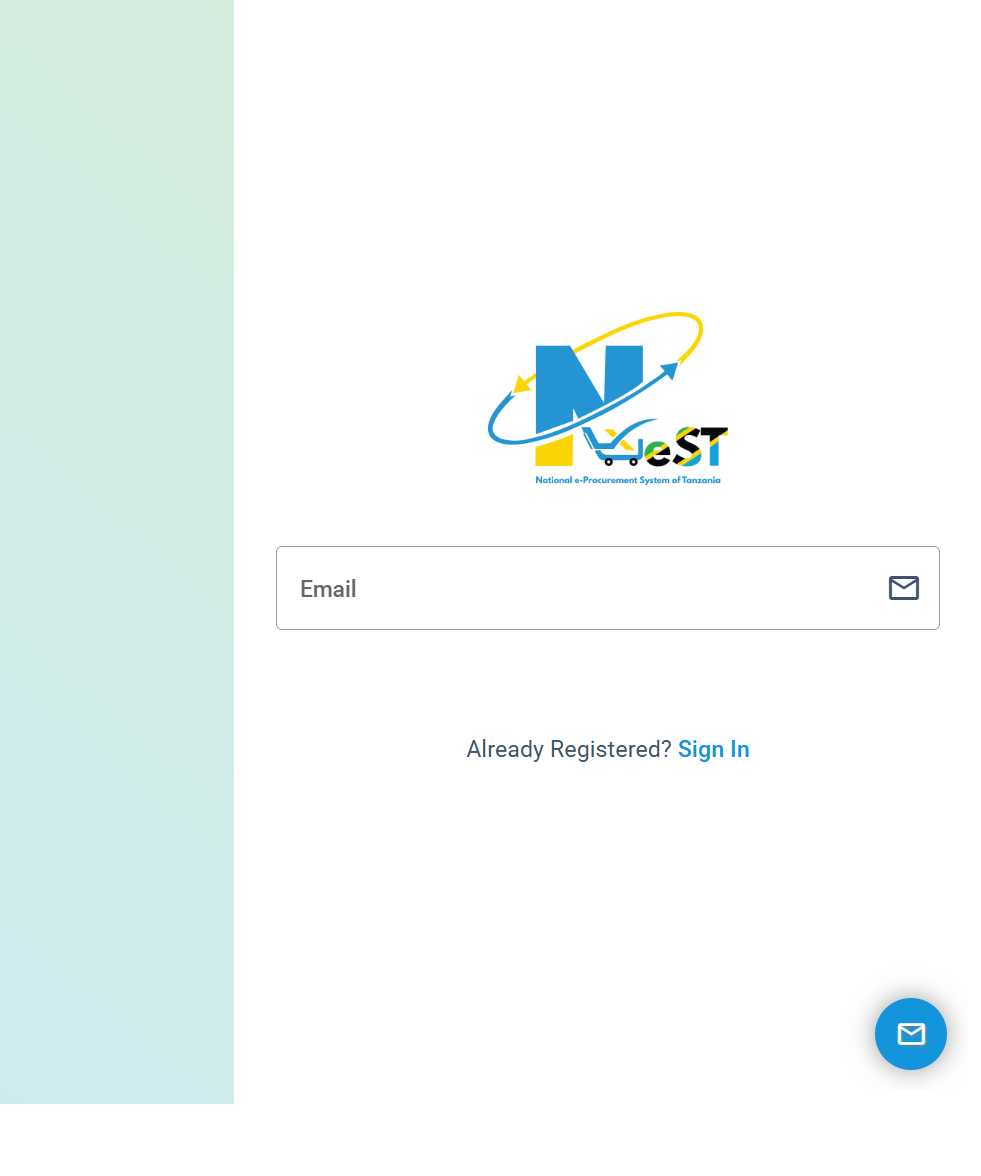
If you haven’t registered yet, the system won’t allow you to log in. Here’s how to create an account:
-
Go to Register As Tenderer on the homepage.
-
Provide your email, contact details, and business information.
-
Verify your email or mobile number, depending on the prompt.
-
Set a secure password and complete the registration.
After registration, return to the Nest Login page and sign in using your new details.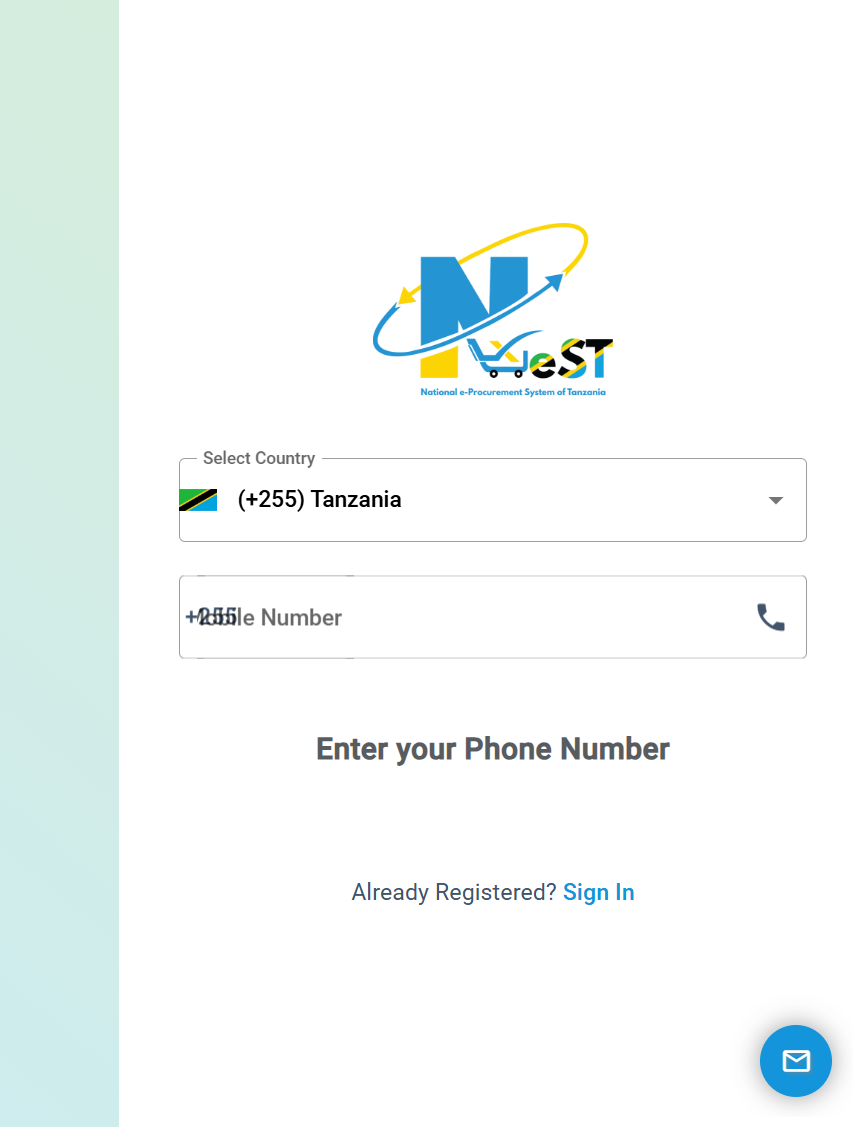
What You Can Do After Nest Login
Once inside your account, you gain access to a wide range of procurement tools and services. Here are the main ones:
Browsing Current Tenders
You can view all active tenders, filter them by category, entity, or deadlines, and download the required documents.
Annual Procurement Plans
See published procurement plans to understand upcoming opportunities across government sectors.
View Awarded Contracts
Check results of previously awarded tenders, contract values, and winning bidders.
Opened Tenders
Access tenders that have already been opened for transparency and record purposes.
Nest Login and Available Services
E-Submission
Submit your priced offers directly through the system after responding to the tender requirements.
Subscription
Receive alerts about tenders via email or SMS. This keeps you informed without needing to log in daily.
Special Groups
The platform supports preferential access for women, youth, elders, and persons with disabilities.
Mobile Application
You can download the NeST mobile app to register or submit offers using your phone or tablet. This adds flexibility for tenderers who move between the office and the field.
Tips & Quick Answers for Nest Login
Why Can’t I Log In?
Check if:
-
Your email is typed correctly
-
Your password is correct
-
Your account is fully registered
If needed, reset your password.
Can I Change My Details Later?
Yes. After logging in, you can update your profile, business licenses, and documents.
Is the Platform Secure?
The system is government-hosted and designed to ensure that all procurement processes are handled electronically, securely, and transparently.
Extra Notes and Background Information
NeST stands for National e-Procurement System of Tanzania, introduced in 2022 to streamline government procurement using digital tools. It supports e-registration, e-tendering, e-contract management, e-payments, e-catalogues, and even e-auctions. Both procuring entities and tenderers use the platform daily to perform essential procurement functions.
Conclusion
A smooth Nest Login experience opens the door to a complete digital procurement ecosystem. Whether you’re viewing tenders, preparing submissions, or checking awarded contracts, the platform keeps everything organized in one place. With the steps and explanations in this guide, you’ll be ready to navigate NeST confidently and make the most of the opportunities it provides.
Go to our Homepage To Get Relevant Information.
Contents
- 1 Nest Login: A Friendly Guide to Accessing Tanzania’s National e-Procurement System
- 1.1 Introduction
- 1.2 How to Begin with Nest Login
- 1.3 Step-by-Step Instructions for Nest Login
- 1.4 Registration Before Nest Login (If You’re a New Tenderer)
- 1.5 What You Can Do After Nest Login
- 1.6 Nest Login and Available Services
- 1.7 Tips & Quick Answers for Nest Login
- 1.8 Extra Notes and Background Information
- 1.9 Conclusion