
Nida online copy: A Friendly Guide to Applying for Your National ID Online
Introduction
Applying for a National Identification Card no longer has to feel confusing or time-consuming. Nida online copy refers to the official online system provided by Tanzania’s National Identification Authority (NIDA), designed to help citizens and legal residents begin their ID application from anywhere.
This guide walks you through what the system is, why it matters, and how to use it correctly. By the end, you’ll know exactly how to register, fill out your form, prepare documents, and complete the process smoothly at your local NIDA office.
Understanding Nida online copy
Nida online copy is an electronic application platform that allows Tanzanian citizens and legal residents to apply for a National ID before visiting a NIDA office. Instead of filling out everything in person, you complete the form online, print it, and then visit your district NIDA office for biometric registration.
This approach saves time, reduces errors, and helps you arrive prepared.
How to Begin With Nida online copy
Getting started is simple, as long as you have your basic information ready.
What you need before you start
-
A valid email address
-
An active mobile phone number
-
At least two identification documents
-
Scanned copies of your documents (PDF, JPG, or PNG)
Having these ready makes the process much faster.
Step-by-Step Instructions Using Nida online copy
Step 1: Visit the official NIDA online system
Go directly to the official application portal at https://eonline.nida.go.tz/ to begin your registration.
Step 2: Create your account
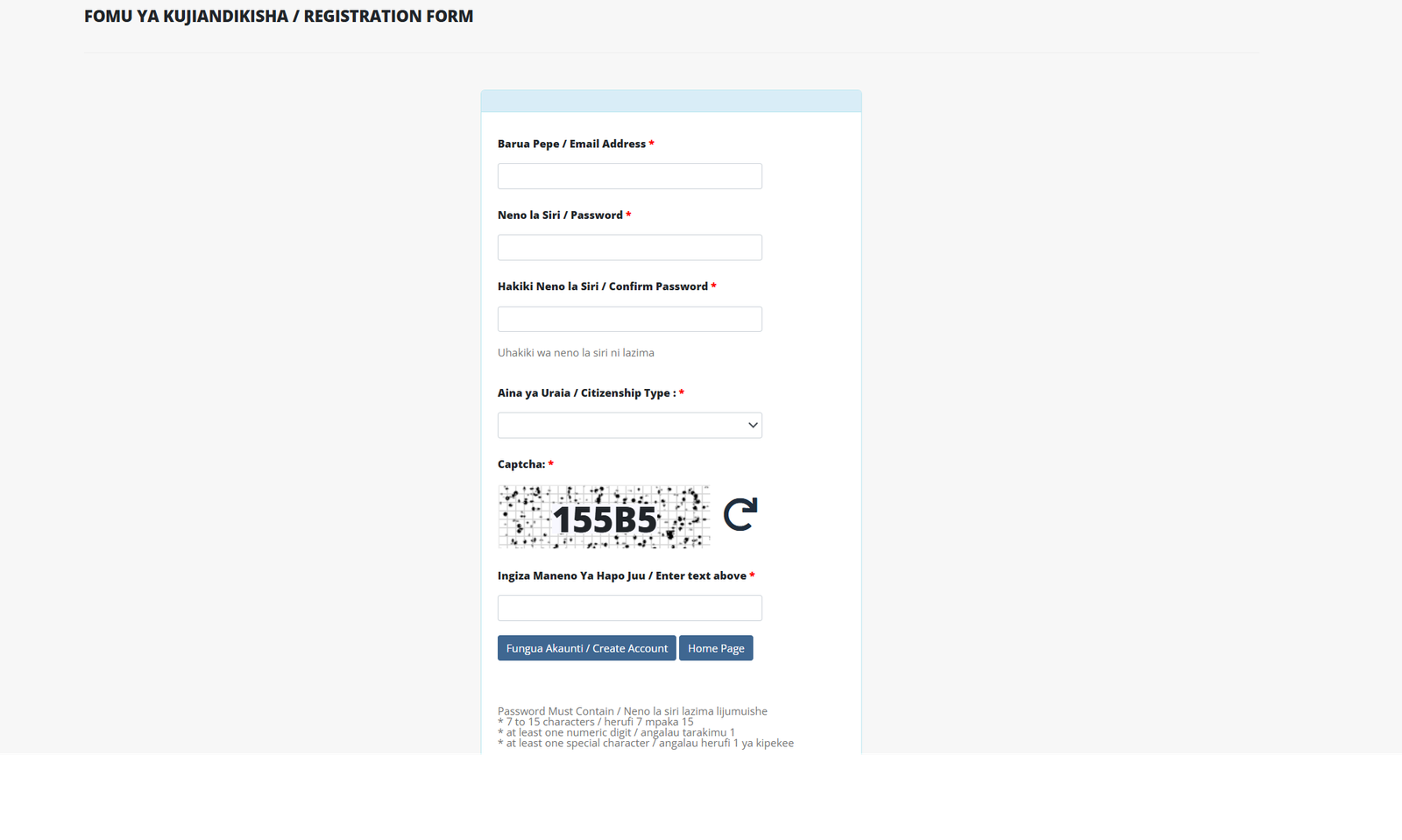
Register using your email address and create a secure password. Make sure the password meets the system requirements, including numbers and special characters.
Step 3: Fill out the application form
Log in and complete the National ID application form carefully. Double-check names, dates, and personal details to avoid delays later.
Step 4: Upload required documents
Attach clear scanned copies or images of your documents. Each attachment should be no more than one page per file.
Step 5: Print and verify your form
Once submitted, print the completed form. You’ll need to take it to your local street or village office for stamping and signature by the chairperson.
Step 6: Visit your district NIDA office
Bring your stamped form and original documents to the NIDA office in your district to complete biometric registration.
Available Services Within Nida online copy
The Nida online copy system supports several important services, including:
-
Online National ID application
-
Account registration and verification
-
User login and profile access
-
Password reset requests
-
Uploading supporting documents
Each service is designed to reduce the need for repeated office visits.
What You Can Do With Nida online copy
Using this platform allows you to:
-
Apply for a National ID from any location
-
Prepare documents in advance
-
Reduce waiting time at NIDA offices
-
Track your application readiness
-
Correct errors before biometric registration
It’s especially helpful for applicants living far from district offices.
Registration and Login Explained
Creating an account
Registration requires a valid email address and password. After registering, you’ll receive an email to verify your account before proceeding.
Logging in
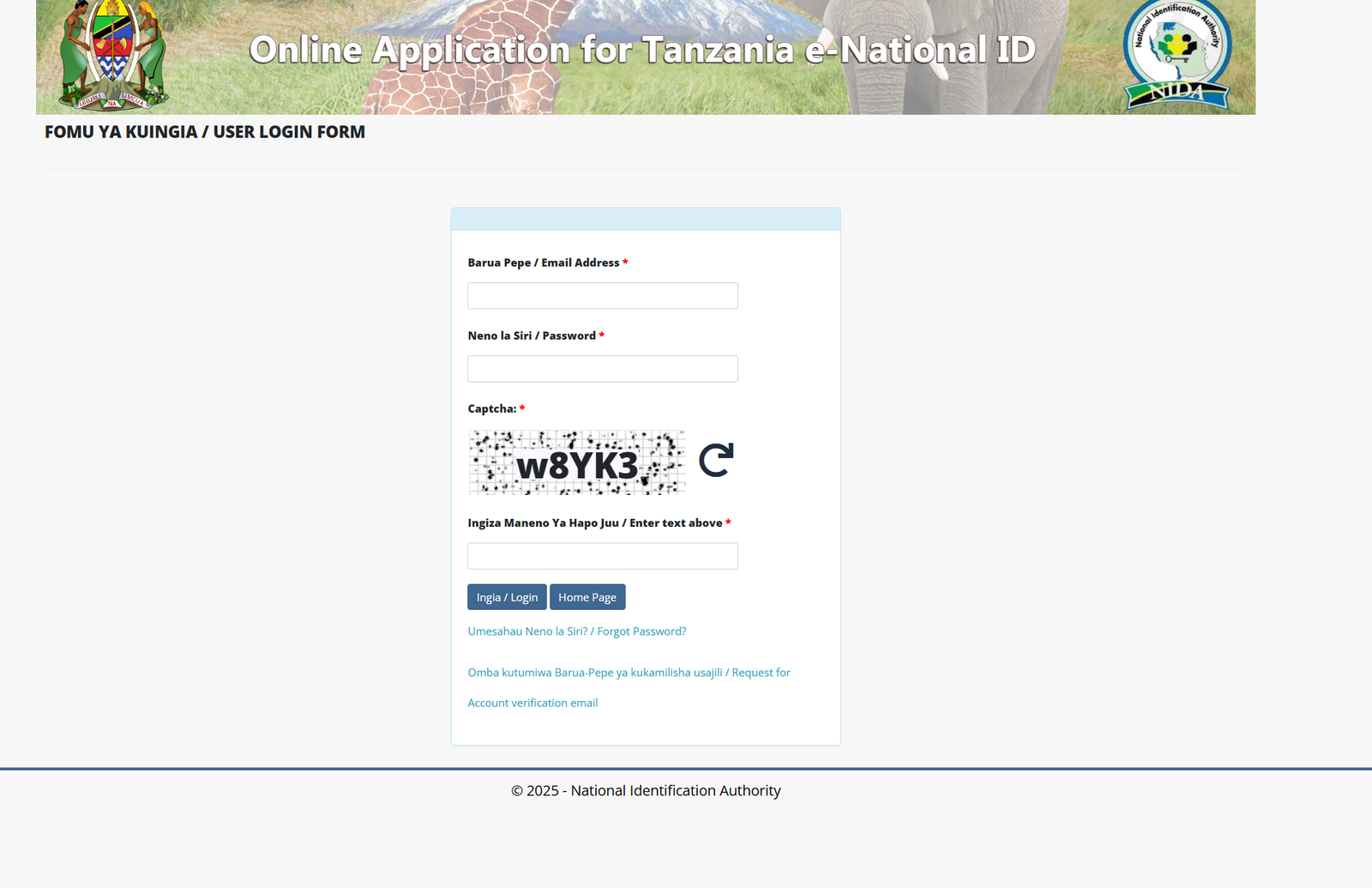
Once verified, you can log in anytime using your email and password to continue or review your application.
Resetting Your Password
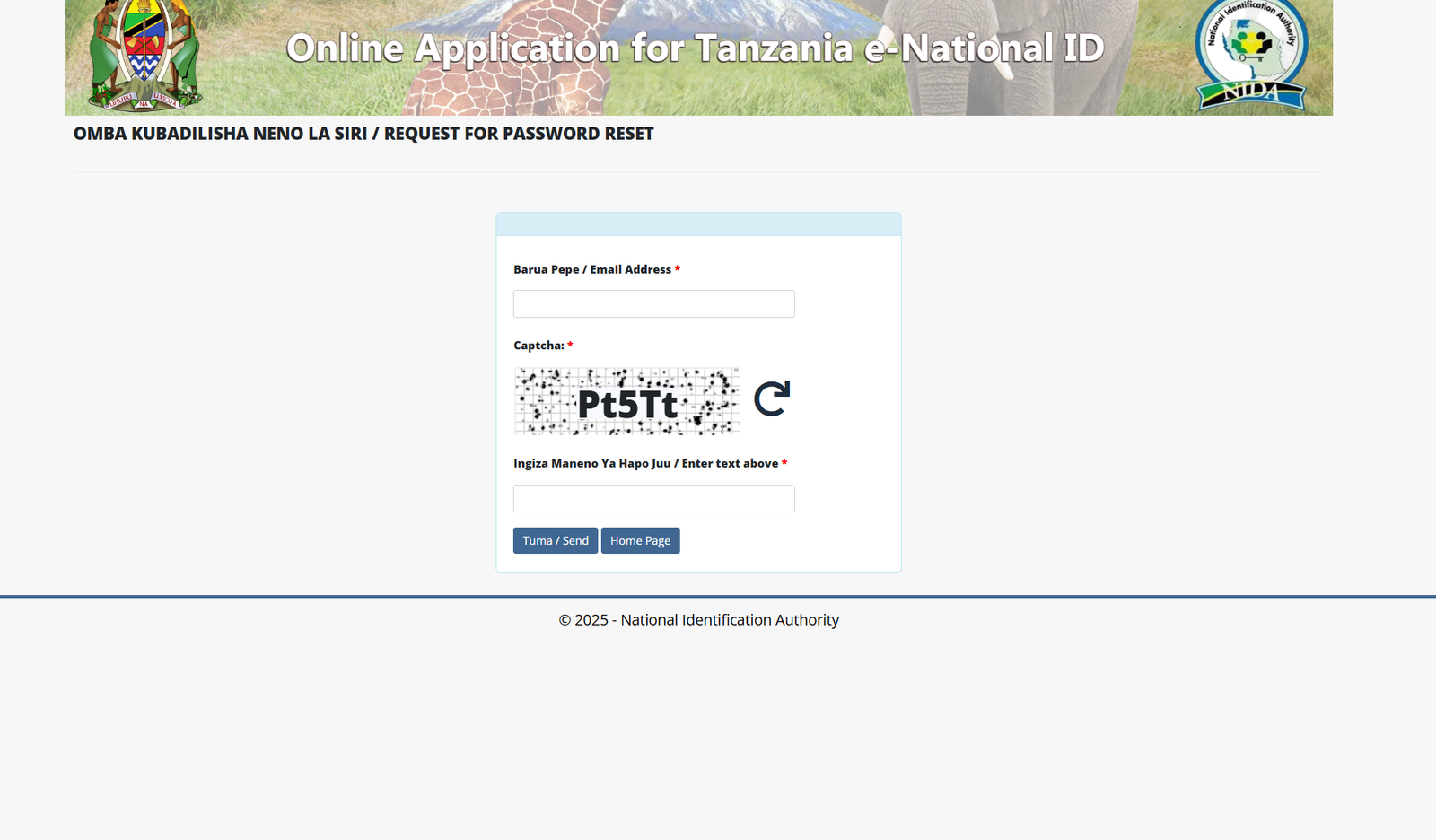
If you forget your password, the Nida online copy system includes a password reset option. Simply request a reset, enter your email address, complete the captcha, and follow the instructions sent to your email.
Required Documents Made Simple
For Tanzanian citizens
-
Birth certificate
-
Parent’s birth certificate or affidavit
-
Proof of citizenship by descent or registration (if applicable)
For legal residents
-
Passport
-
Resident permit or work permit
Make sure all documents are clear and match the information you enter online.
Tips & Quick Answers for Nida online copy
-
Always use accurate personal details
-
Upload readable document scans
-
Include parents’ names exactly as required
-
Attach a birth certificate if born in 1980 or later
-
Bring original documents to the NIDA office
-
Ask for help at your nearest NIDA office if unsure
These small steps can prevent unnecessary delays.
Extra Notes You Should Know
Nida online copy does not replace biometric registration. The online system prepares your application, but fingerprinting and photo capture must still be completed in person at a district NIDA office.
Conclusion
Using Nida online copy is one of the easiest ways to start your National ID application with confidence. It helps you stay organized, reduces errors, and saves valuable time at NIDA offices. By following the steps in this guide and preparing your documents carefully, you’ll be well on your way to completing your registration smoothly.
Go to our Homepage To Get Relevant Information.
Contents
- 1 Nida online copy: A Friendly Guide to Applying for Your National ID Online
- 2 Understanding Nida online copy
- 3 How to Begin With Nida online copy
- 4 Step-by-Step Instructions Using Nida online copy
- 5 Available Services Within Nida online copy
- 6 What You Can Do With Nida online copy
- 7 Registration and Login Explained
- 8 Resetting Your Password
- 9 Required Documents Made Simple
- 10 Tips & Quick Answers for Nida online copy
- 11 Extra Notes You Should Know
- 12 Conclusion