
Open University of Tanzania: A Friendly Guide to Getting Started With Postgraduate Online Admission
Introduction
If you’re thinking about advancing your education while keeping the flexibility to study from anywhere, the Open University of Tanzania offers a practical and welcoming path forward. Their Postgraduate Online Admission system makes it possible to register, apply, and manage your application without visiting a physical campus.
This guide walks you through how the system works, what you can do on the platform, and the steps you’ll follow from registration to login—written in a clear, supportive, and user-friendly way.
How to Begin at the Open University of Tanzania
Before starting your postgraduate application, you’ll need an account on the admission portal. The process is straightforward, but knowing what to expect helps you move smoothly from one point to the next.
Step-by-Step Instructions for Using the Open University of Tanzania Admission Portal
Step 1: Visit the Official Admission Page
Go to the official Postgraduate Online Admission portal:
https://pgoa.out.ac.tz/loggins
Here, you’ll see options to register as a new applicant, log in, or read application information.
Step 2: Register as a New Applicant
If this is your first time, choose “New Applicant? Register.”
You’ll land on a page that asks you to select your O-Level graduation category:
-
NECTA 1988+ – If you completed O-Level in 1988 or later
-
NECTA 1987- – If you completed O-Level in 1987 or earlier
-
International – If you’re not a Tanzanian applicant
Once selected, you’ll enter your FORM 4 Index Number or Equivalent number.
If you don’t have an equivalent number, the portal provides a guideline link to help you understand what to do next.
Step 3: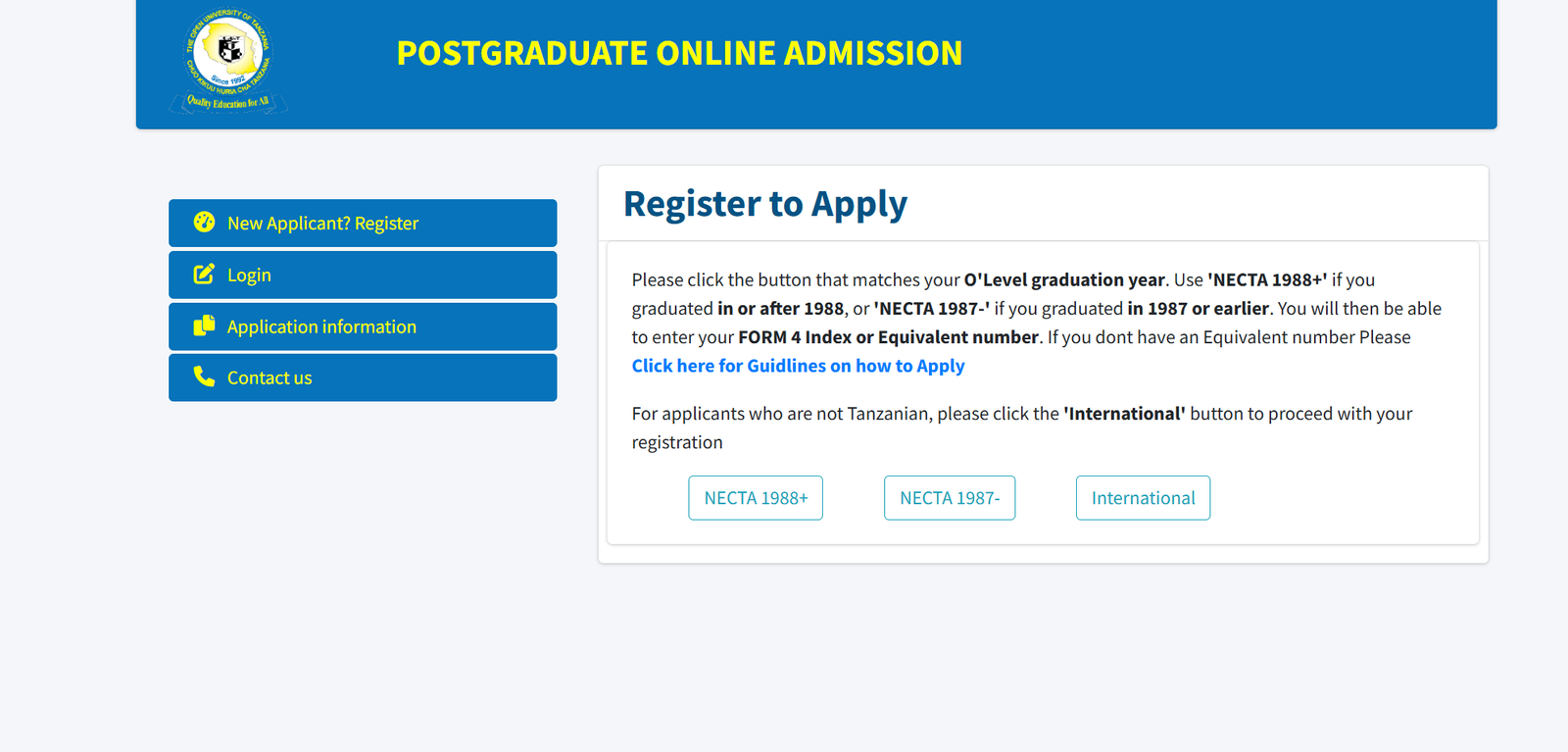 Complete the Registration Form
Fill in your personal details, confirm your information, and create your login credentials.
Make sure your email is active—you’ll need it for updates and password support.
Step 4: Login to Your Account
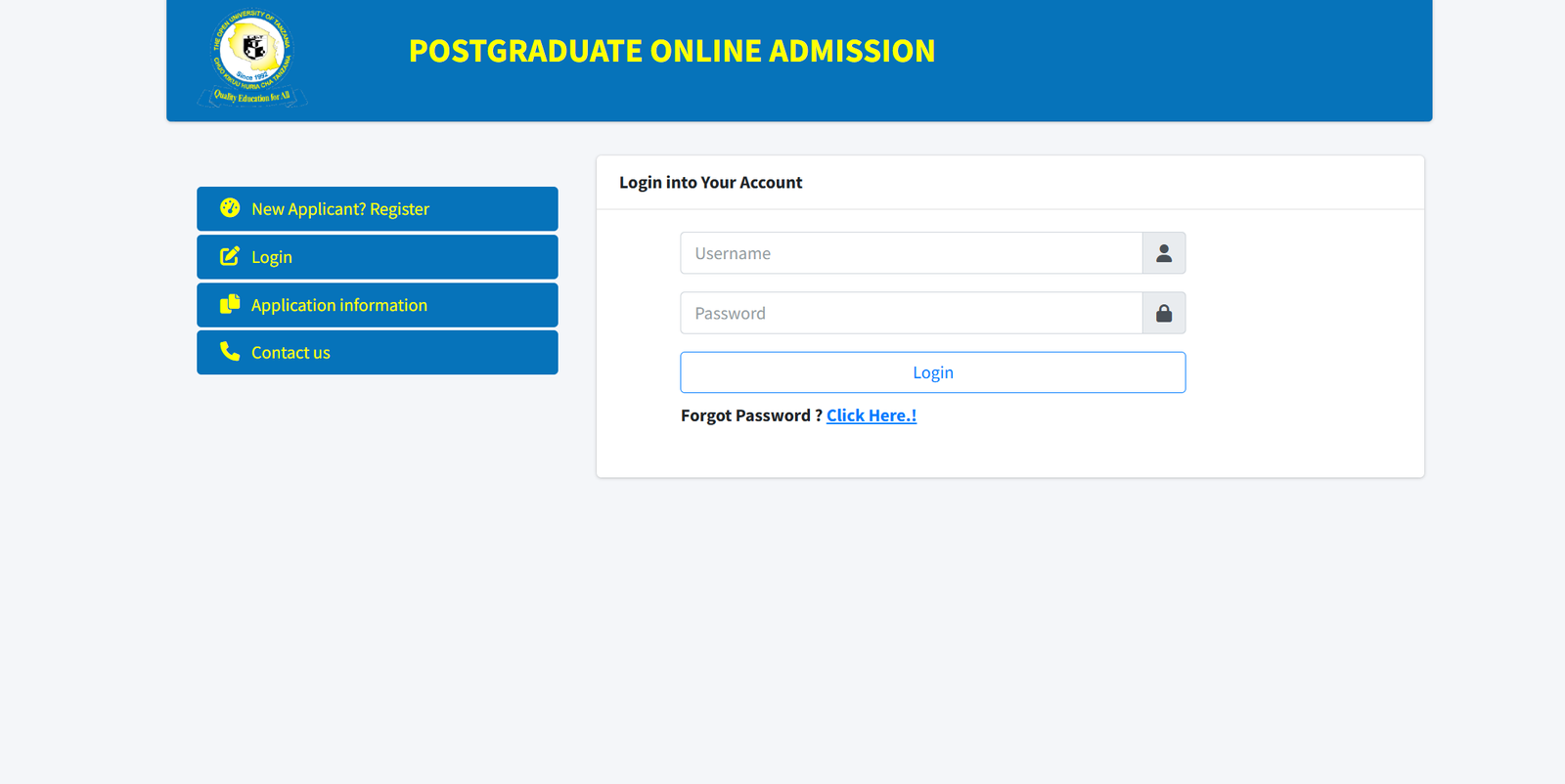
After registering, return to the portal and log in using the username and password you created.
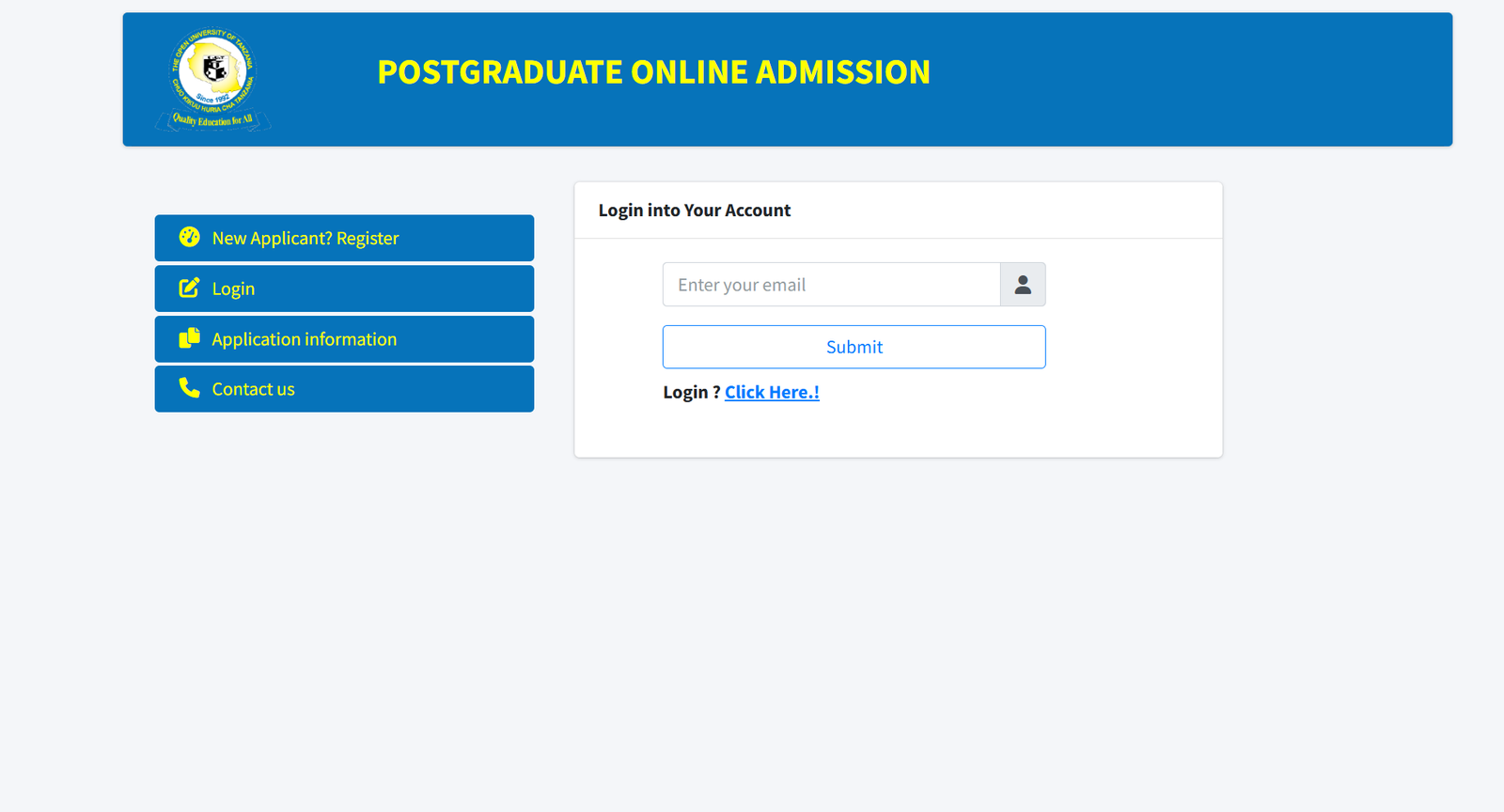
If you forget your password at any point, simply click “Forgot Password? Click Here.” The system will guide you through resetting it.
Available Services on the Open University of Tanzania Portal
1. Application Information
A helpful section with details on entry requirements, deadlines, and key instructions.
2. New Applicant Registration
Where you officially begin your postgraduate journey.
3. Login for Returning Applicants
Ideal if you want to continue your application, upload documents, or check your status.
4. Password Reset Support
If you get locked out, the portal includes a simple recovery option.
5. Contact Page
Offers support channels if you need clarification or technical assistance.
What You Can Do After Logging In
Once inside your dashboard, the system allows you to:
-
Fill out your postgraduate application
-
Upload required documents
-
Review your submission
-
Track your application progress
-
Update your personal information
Everything is designed to help you manage your application independently and efficiently.
Tips & Quick Answers for Using the Open University of Tanzania Portal
Forgot Your Password?
Use the reset link on the login page to create a new one.
International Applicant?
Select the International option during registration to follow the correct path.
Graduated Before 1987?
Choose NECTA 1987- so the system can guide you through the appropriate process.
Don’t Have an Index or Equivalent Number?
The portal includes a guidance link specifically for this situation.
Extra Notes
The Open University of Tanzania was founded to expand access to higher education through distance learning. The postgraduate portal reflects this mission—giving applicants a convenient and accessible way to begin their studies.
Conclusion
Getting started with postgraduate studies at the Open University of Tanzania is easier when you know the steps. From registering to managing your application, the online system keeps everything organized and within reach. Whenever you’re ready to begin, the portal is there to guide you, one step at a time.
Go to our Homepage To Get Relevant Information.
Contents
- 1 Open University of Tanzania: A Friendly Guide to Getting Started With Postgraduate Online Admission
- 1.1 Introduction
- 1.2 How to Begin at the Open University of Tanzania
- 1.3 Step-by-Step Instructions for Using the Open University of Tanzania Admission Portal
- 1.4 Available Services on the Open University of Tanzania Portal
- 1.5 What You Can Do After Logging In
- 1.6 Tips & Quick Answers for Using the Open University of Tanzania Portal
- 1.7 Extra Notes
- 1.8 Conclusion