
Shabiby online booking: A Simple Guide to Booking Your Bus Trip
Introduction
Traveling across Tanzania doesn’t have to be complicated. Shabiby online booking is designed to make bus ticket reservations simple, fast, and accessible for everyone. Whether you’re planning a business trip, visiting family, or heading out for a well-earned break, this guide shows you how to book your ticket with confidence.
By the end of this article, you’ll know how to book a seat, pay securely, check your ticket, and get support whenever you need it—all without stress.
How to Begin With Shabiby Online Booking
Getting started is straightforward. Shabiby offers multiple ways to book, so you can choose what feels easiest for you—website, mobile app, or even WhatsApp.
All options are built to save time and keep things clear, even if you’re booking for the first time.
Step-by-Step Instructions for Shabiby Online Booking
Step 1: Visit the Official Booking Platform
Start by opening the official Shabiby website at https://shabiby.co.tz/. This is where you’ll find bus schedules, routes, ticket prices, and booking tools.
Step 2: Choose Your Travel Details
Select your departure city, destination, and travel date. Available buses and seat options will appear instantly.
Step 3: Confirm and Pay
After selecting your seat, follow the payment instructions. Shabiby supports easy and secure payment methods, including mobile payments.
Once payment is complete, your ticket details are ready.
Booking and Paying Through WhatsApp
One of the most convenient features of Shabiby online booking is WhatsApp booking.
To begin:
-
Send the word “Shabiby” via WhatsApp to 0754 953 806
-
Follow the automated prompts to select your route and date
-
Complete payment and receive confirmation
This option is especially useful if you prefer chatting instead of filling out forms.
Available Services You Can Expect
Shabiby focuses on comfort and reliability. When you book, you’re choosing more than just a seat.
Comfortable Travel Features
-
Air-conditioned coaches for all-weather comfort
-
Free onboard Wi-Fi to stay connected
-
Adjustable, cushioned seats with footrests
-
Clean, modern toilets on long-distance buses
These features are available on most routes, helping you arrive relaxed.
What You Can Do After Booking
With Shabiby online booking, managing your trip is easy.
-
Print your ticket directly from the website
-
Check bus schedules anytime before departure
-
Review routes operating across more than 10 regions
-
Track your booking status through your account
Everything is centralized, so you don’t need to call or visit an office unless you want to.
Creating an Account and Signing In
Registration is optional but helpful.
When you create an account, you can:
-
Save your booking details
-
Reprint tickets quickly
-
Track previous trips
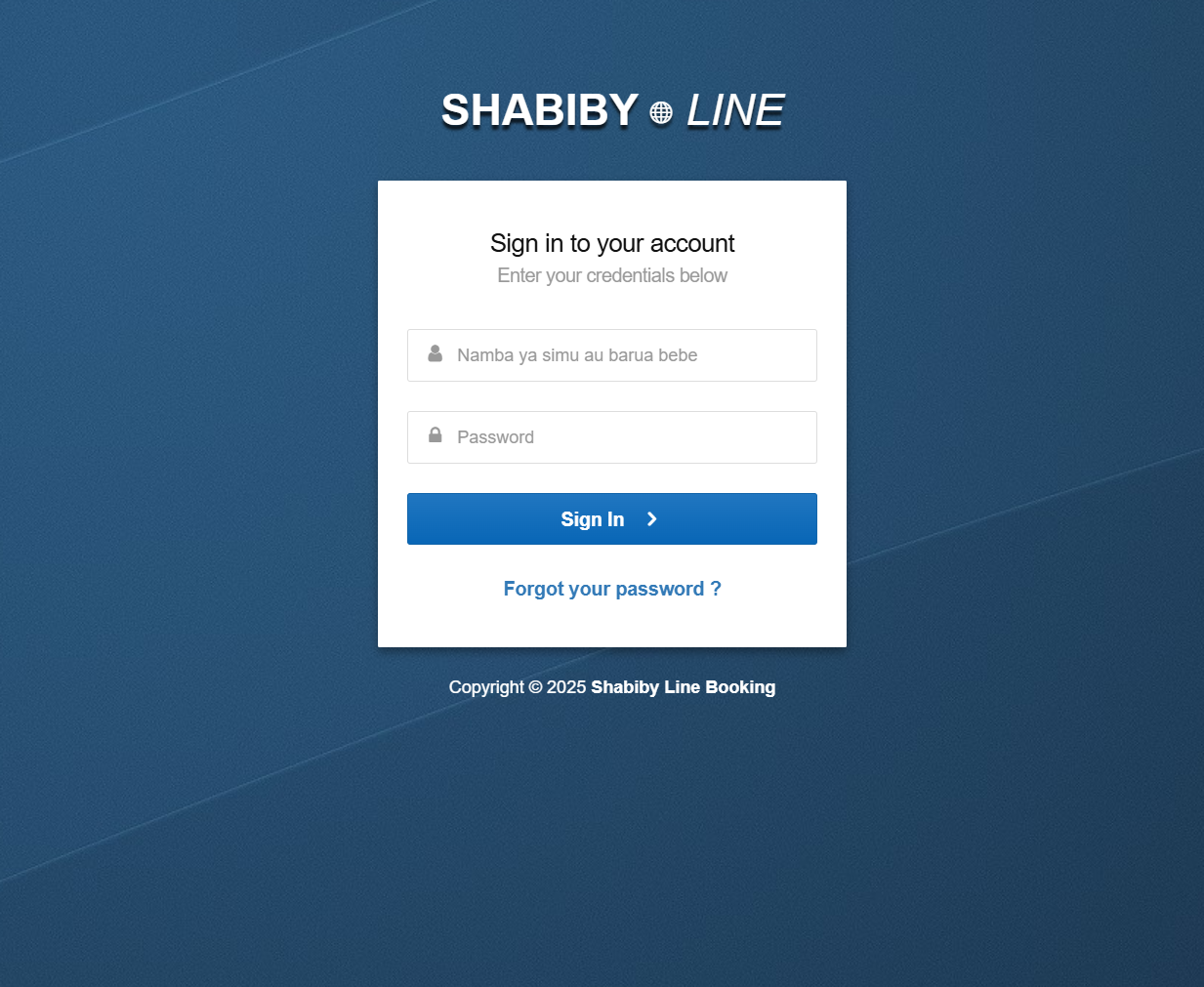
To sign in, simply enter your phone number or email and password on the login page.
Resetting Your Password
Forgot your password? It happens.
On the login page:
-
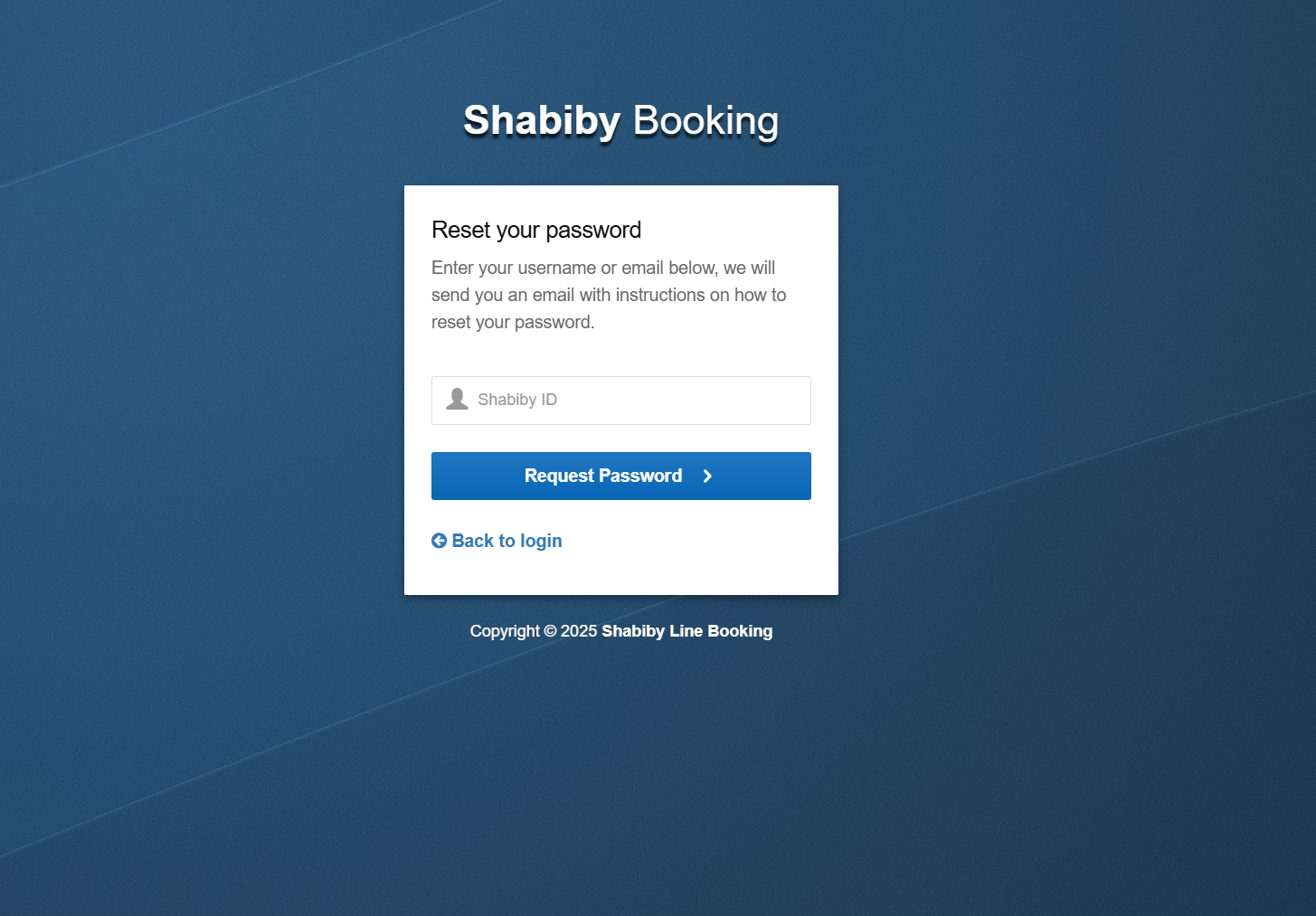
Click “Forgot your password?”
-
Enter your Shabiby ID or registered email
-
Follow the instructions sent to you to reset access
You’ll be back in your account in minutes.
Getting Help and Customer Support
If you need assistance, Shabiby offers multiple support options:
-
Call customer service at +255 654 777 773
-
Email support via info@shabiby.co.tz
-
Join the WhatsApp Customer Support Group for quick answers
You can also browse the Help Center and FAQ section for common questions about booking and payments.
Extra Notes Worth Knowing
Shabiby operates buses daily on major routes including Dar es Salaam, Dodoma, Arusha, Mbeya, Morogoro, Kilimanjaro, and more. With offices across the country, support is always nearby if you prefer in-person assistance.
Conclusion
Shabiby online booking removes the hassle from bus travel by giving you flexible, user-friendly options to plan your journey. From online reservations to WhatsApp booking and responsive customer support, everything is built around convenience and comfort.
If you’re looking for a reliable way to travel across Tanzania, this system gives you control, clarity, and peace of mind from start to finish.
Go to our Homepage To Get Relevant Information.
Contents
- 1 Shabiby online booking: A Simple Guide to Booking Your Bus Trip
- 2 How to Begin With Shabiby Online Booking
- 3 Step-by-Step Instructions for Shabiby Online Booking
- 4 Booking and Paying Through WhatsApp
- 5 Available Services You Can Expect
- 6 What You Can Do After Booking
- 7 Creating an Account and Signing In
- 8 Resetting Your Password
- 9 Getting Help and Customer Support
- 10 Extra Notes Worth Knowing
- 11 Conclusion