
Sua Esb: Your Friendly Guide to Accessing the SUA ESB Portal with Ease
Introduction
If you’re a student or staff member at Sokoine University of Agriculture, the Sua Esb portal is one of the tools you’ll use often. It helps you manage essential academic and administrative tasks in one place. This guide walks you through how to get started, how to log in, how to recover your password, and what services you can access—without the confusing jargon.
By the end, you’ll know exactly how to move around the platform with confidence.
How to Begin with Sua Esb
Before anything else, make sure you have your university login details. These are the same credentials provided by SUA for academic access. Once you have them handy, you’re ready to move through the steps below.
Step-by-Step Instructions to Access Sua Esb
Step 1: Visit the Official Portal
Go to the official SUA ESB system at:
https://esb.sua.ac.tz/
This is where all students and staff log in.
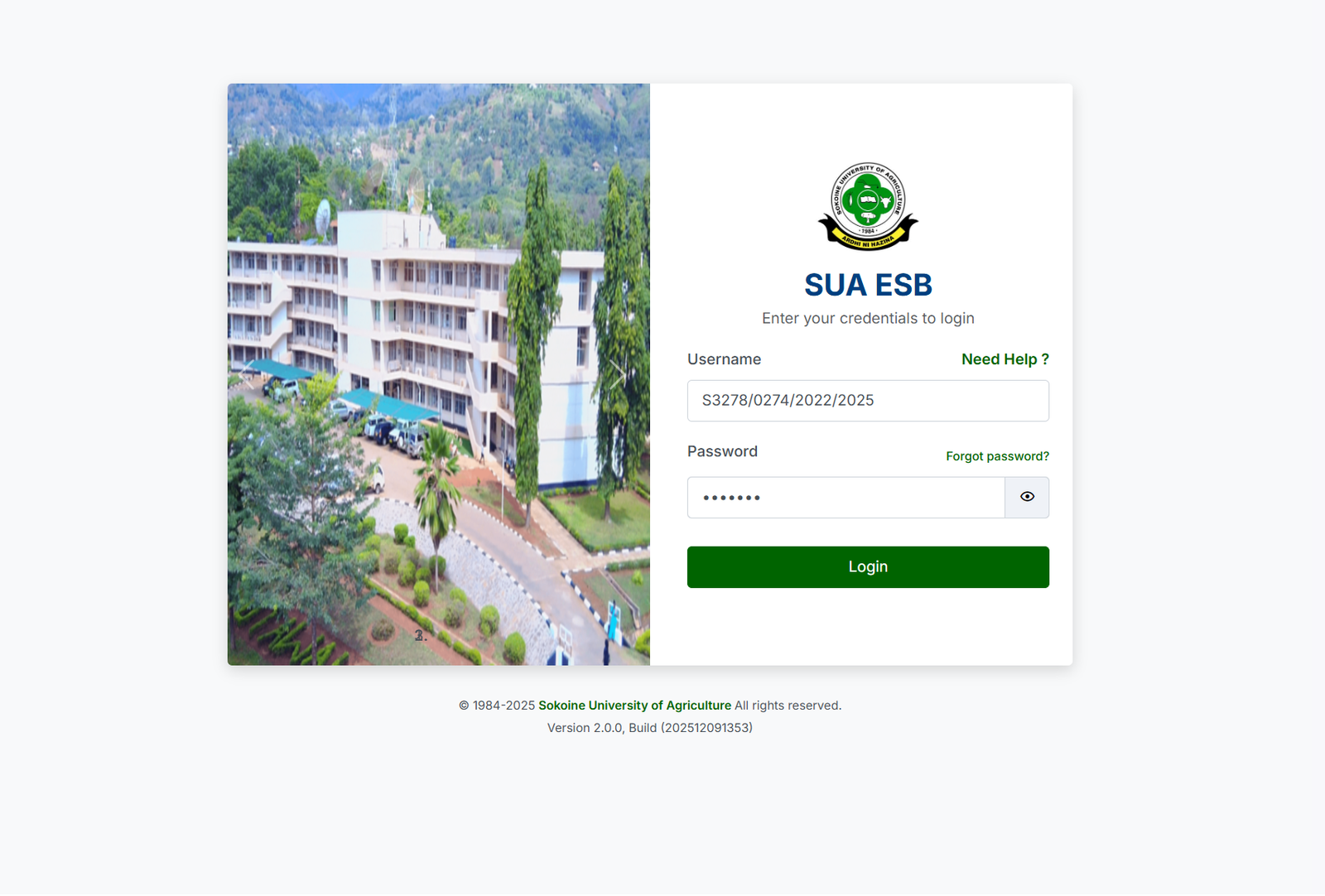
Step 2: Enter Your Username
Type in your university-issued username—for example:
S3278/0274/2022/2025
(Your format may vary, but it will always follow the structure provided by SUA.)
Step 3: Enter Your Password
Use the password assigned to you or the one you last set.
Once both fields are filled, click the login button.
Step 4: If You Forgot Your Password
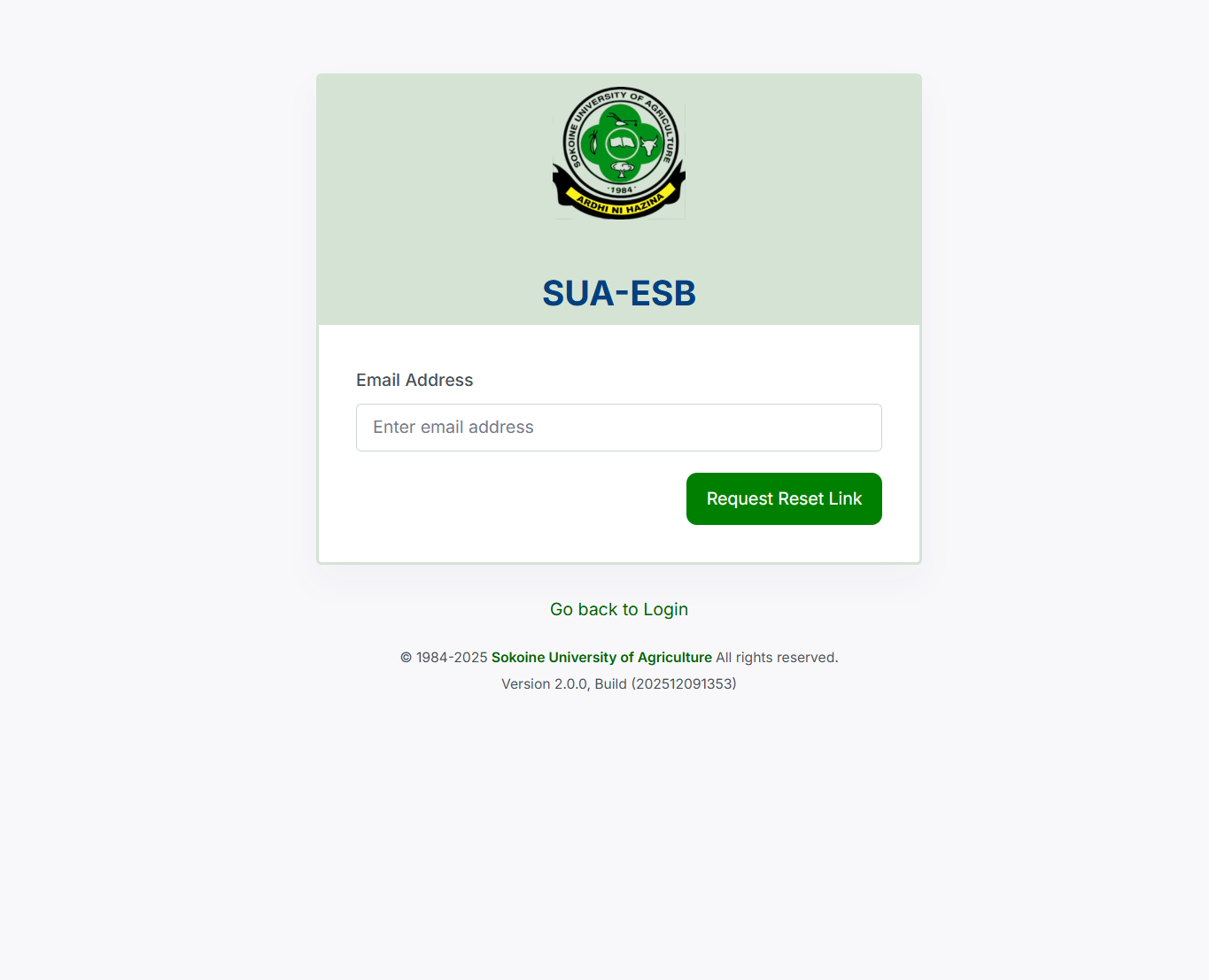
Select Forgot password? and follow the recovery instructions.
You’ll be taken to a page where you can submit your registered email address.
After submitting, check your inbox for reset instructions.
Available Services Inside Sua Esb
Once you log in, you’ll find several tools that support your academic journey. While different users see different options, here are the most common features:
Academic Records
Access your student details, coursework, and registration history.
Course Registration
Enroll in courses, confirm selections, or review previous registrations.
Payments & Financial Information
Check fees, payment records, invoices, and clearance updates.
Timetables & Exam Information
View class schedules and exam timetables when published.
Notifications & Updates
Receive important announcements from the university.
What You Can Do Through Sua Esb
Register for a Semester
If semester registration is open, you’ll see the option immediately after logging in. Follow the instructions to confirm your academic year and program.
Check Your Status
Whether it’s registration status, financial status, or exam eligibility, the dashboard provides quick summaries.
Download Documents
Depending on availability, you may download admission letters, registration forms, or examination slips.
Extra Help: Password Reset and Email Recovery
If you can’t log in because you don’t remember your password:
-
Click Forgot password? on the login screen.
-
Enter your email address in the recovery field.
-
Select Go back to Login if you wish to start over.
-
Wait for an email with reset instructions.
Be sure to use the same email address you registered with the university.
Tips & Quick Answers for Sua Esb
Why can’t I log in?
Double-check your username format and ensure there are no extra spaces.
What if my email doesn’t receive the reset link?
Look in your spam folder or confirm with SUA ICT support that your email is active in their records.
Can I use my phone?
Yes. The Sua Esb portal is mobile-friendly and works well on smartphones and tablets.
How secure is the platform?
SUA maintains system updates and protections, as shown in the footer details like:
Version 2.0.0, Build (202512091353)—indicating regular development and maintenance.
Extra Notes About Sua Esb
The system is an official digital platform provided by Sokoine University of Agriculture. Its purpose is to centralize academic and administrative tasks to make life easier for students and staff. You only need your official username and password to get started, but you can always reset your password if needed.
Conclusion
Using the Sua Esb portal doesn’t have to feel overwhelming. Once you know where to go and what steps to follow, everything becomes straightforward. Keep your login details safe, bookmark the official link, and return anytime you need to manage your academic activities.
Go to our Homepage To Get Relevant Information.
Contents
- 1 Sua Esb: Your Friendly Guide to Accessing the SUA ESB Portal with Ease